
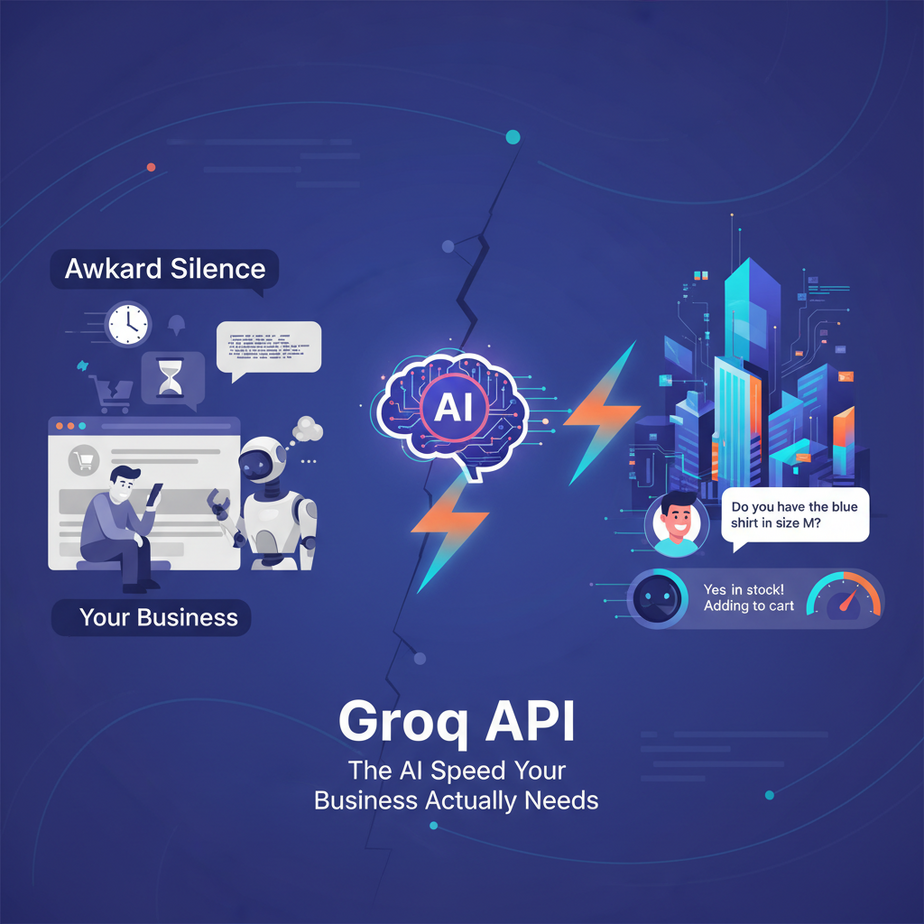
The Awkward Silence
I once built an AI customer service bot for an e-commerce store. We were proud. It was smart, it was helpful, it was… agonizingly slow.
A customer would ask, “Do you have this in blue?” and the bot would just sit there. Typing… thinking… pondering the cosmic significance of the color blue. After a solid ten seconds, it would chirp back, “Yes, we do!”
By then, the customer was gone. They thought it was broken. In a way, they were right. An AI that’s too slow to keep up with a human conversation isn’t an assistant; it’s a roadblock. It was like hiring an intern who had to run to the library to look up the answer to every single question.
We scrapped the whole project. It was a painful, expensive lesson: in automation, speed isn’t a feature, it’s a prerequisite. Anything else is just a frustrating gimmick.
Why This Matters
Slow AI is bad for business. Period.
Imagine a sales chatbot that makes your hottest lead wait 15 seconds for a reply. Or a content moderation tool that flags a toxic comment five minutes after it’s already started a flame war. Or an internal tool for your team that feels like wading through digital mud.
This isn’t about saving a few milliseconds. It’s about building systems that feel fluid, responsive, and frankly, magical. This is the difference between a tool people tolerate and a tool people love.
The workflow you’re about to learn replaces the “awkward silence” in your automations. It replaces the slow, expensive, and clunky AI processing that makes most bots feel like they’re from 2005. We’re turning our slow, thoughtful intern into a brilliant robot with reflexes like a fighter pilot.
What This Tool / Workflow Actually Is
Let’s be crystal clear. We are talking about Groq (pronounced “grok,” like the sci-fi term for deep understanding).
What it is: Groq is an inference engine. Think of it like a specialized engine for a race car. You can have a brilliant AI model (like Llama 3 or Mixtral), but if you run it on a normal computer, it’s like putting a Formula 1 engine in a minivan. Groq has built special computer chips, called LPUs (Language Processing Units), designed to do one thing: run large language models at absolutely insane speeds.
What it is NOT: Groq is NOT a new AI model. You can’t ask “the Groq model” a question. It doesn’t compete with GPT-4 or Claude 3. It’s a platform that runs existing, popular open-source models much, much faster than anyone else.
The workflow is simple: instead of sending our automation requests to a standard model provider, we send them to the same model running on Groq’s supercharged hardware. We get the same quality answer, but in a fraction of the time.
Prerequisites
I know this sounds like a job for a senior engineer at Google. It’s not. If you can sign up for a website and copy-paste, you can do this. I’m not kidding.
- A GroqCloud Account: Go to GroqCloud and sign up. It’s free to get started, and their free tier is incredibly generous. No credit card required.
- Python 3 Installed: If you don’t have Python, don’t panic. For this exercise, you can use a free online tool like Google Colab. No installation needed.
That’s it. Seriously. Don’t be nervous. We’re just sending a message to a computer and getting one back. Nothing here can break your machine or cost you money.
Step-by-Step Tutorial
Let’s build our first lightning-fast AI call. We’re going to make a simple script that asks the AI for a business tagline.
Step 1: Get Your API Key
Once you’re logged into your GroqCloud account, look for “API Keys” on the left-hand menu. Click “Create API Key.” Give it a name like “MyFirstAutomation” and copy the key it gives you. Guard this key like it’s your password.
Step 2: Install the Groq Python Library
Open your terminal or a new Google Colab notebook. Type this command and press Enter. This installs the small toolkit we need to talk to Groq.
pip install groqStep 3: Write the Code
This is it. The big moment. Create a new Python file (e.g., fast_bot.py) or a new Colab cell and paste this code in. Replace "YOUR_API_KEY_HERE" with the key you just copied.
import os
from groq import Groq

# IMPORTANT: Don't hard-code your key in production!
# We're doing it here for simplicity, but use environment variables for real projects.
client = Groq(
    api_key="YOUR_API_KEY_HERE",
)

print("Sending request to Groq...\
")

chat_completion = client.chat.completions.create(
    messages=[
        {
            "role": "system",
            "content": "You are a helpful assistant that generates creative taglines."
        },
        {
            "role": "user",
            "content": "Generate a tagline for a coffee shop that uses ethically sourced beans.",
        }
    ],
    model="llama3-8b-8192",
)

print("Response from Groq:")
print(chat_completion.choices[0].message.content)
Step 4: Run It and Be Amazed
Run the script. If you’re in a terminal, type python fast_bot.py. If you’re in Colab, click the play button.
Before you can even blink, you’ll see a response. It will feel instantaneous. Now, try that same prompt with a slower service. Feel the difference? That’s the power we’re going to harness.
Complete Automation Example
Theory is boring. Let’s build something real.
The Goal: An automated email sorter. Imagine you get hundreds of emails a day to your support inbox. You need a robot that reads each one instantly and tags it: ‘Sales Lead’, ‘Technical Support’, or ‘Spam’. This allows you to route the important stuff to the right people immediately.
Here’s the full script. We’ll simulate a new email coming in.
from groq import Groq

# --- Configuration ---
API_KEY = "YOUR_API_KEY_HERE"
MODEL = "llama3-8b-8192"

# This is the system prompt. It's our instruction manual for the AI.
# Notice how we restrict the output to ONLY our desired categories.
SYSTEM_PROMPT = """
You are an expert email classification system.
Read the email content and classify it into one of three categories:
- Sales Lead
- Technical Support
- Spam

Return ONLY the category name and nothing else. NO explanation, NO preamble. For example, if it is a sales lead, your entire response should be 'Sales Lead'.
"""

# --- The Automation Function ---
def classify_email(email_content):
    print(f"\
--- Classifying new email ---")
    print(f"Email Content: '{email_content[:80]}...'\
")

    client = Groq(api_key=API_KEY)

    try:
        chat_completion = client.chat.completions.create(
            messages=[
                {
                    "role": "system",
                    "content": SYSTEM_PROMPT
                },
                {
                    "role": "user",
                    "content": email_content,
                }
            ],
            model=MODEL,
            temperature=0.0, # We want deterministic, not creative, answers
            max_tokens=20 # Restrict the output length
        )

        category = chat_completion.choices[0].message.content.strip()
        print(f"==> Groq Classified as: {category}")
        return category
    except Exception as e:
        print(f"An error occurred: {e}")
        return "Classification Failed"

# --- Main Execution: Simulate incoming emails ---
if __name__ == "__main__":
    # Example 1: A clear sales lead
    sales_email = "Hi, I saw your pricing page and I'm interested in the enterprise plan. Can we book a demo call for my team of 50? Thanks, Sarah."
    classify_email(sales_email)

    # Example 2: A technical support request
    support_email = "Hello, I'm having trouble logging into my account. I keep getting a 'password incorrect' error even after resetting it. My username is user@example.com."
    classify_email(support_email)

    # Example 3: Obvious spam
    spam_email = "CLICK HERE TO CLAIM YOUR FREE IPHONE 15 PRO MAX NOW! LIMITED TIME OFFER!!!"
    classify_email(spam_email)
Run this script. Notice how it processes all three emails in under a second. You could feed this function thousands of emails a minute. This is how you build a system that scales.
Real Business Use Cases (Using this exact pattern)
- E-commerce Chatbot: A customer asks, “Do you ship to Canada?” The bot uses Groq to instantly parse the question, look up the answer in a knowledge base, and reply. The low latency makes the chat feel natural.
- Social Media Monitoring: A script scans all mentions of your brand on Twitter. Groq performs real-time sentiment analysis on each tweet. If a negative tweet with high engagement is detected, it’s instantly flagged and sent to your PR team.
- HR Resume Screener: A company receives 500 applications for a job. An automation uses Groq to read each resume and instantly check if it meets the core criteria (e.g., “Has 5+ years of Python experience,” “Has a degree in Computer Science”). It can pre-filter the entire batch in minutes.
- Live Transcription Summarizer: In a meeting, a tool transcribes the audio in real-time. That text is fed to Groq, which generates a live summary and list of action items that are ready the second the meeting ends.
- Internal Knowledge Bot: An employee asks a Slack bot, “What’s our policy on parental leave?” The bot finds the relevant section of the employee handbook and uses Groq to provide a concise, immediate answer, saving a trip to the HR portal.
Common Mistakes & Gotchas
- Not Constraining the Output: For automation, you need predictable results. Notice in our email sorter, the system prompt was brutally specific: “Return ONLY the category name and nothing else.” Without this, the AI might say, “I believe this is a Sales Lead.” That extra text breaks your downstream logic.
- Using the Wrong Model: Groq hosts multiple models. Always check their documentation for the latest model names (e.g.,
llama3-8b-8192). Using an old or incorrect name will cause an error. - Forgetting About Rate Limits: While the free tier is generous, it’s not infinite. If you’re building a massive application, you’ll need to check their pricing and rate limits to ensure your system doesn’t get blocked.
- Hard-coding API Keys: We did it in the example for simplicity, but never do it in a real project that you share or upload to GitHub. Anyone who sees that key can use your account. Learn to use environment variables. It’s the professional standard for a reason.
How This Fits Into a Bigger Automation System
What we built today is the lightning-fast “brain” of a much larger robot. By itself, it’s cool. Connected to other tools, it’s revolutionary.
- CRM Integration: Our email classifier is the first step. The next step is to connect it to the HubSpot or Salesforce API. When an email is classified as ‘Sales Lead’, the script automatically creates a new contact and a new deal, and assigns it to a sales rep.
- Voice Agents: Groq’s speed is non-negotiable for building AI voice agents that can answer phone calls. You hook it up between a Speech-to-Text service (like Deepgram) and a Text-to-Speech service (like ElevenLabs). The low latency eliminates the awkward pauses that make most phone bots unusable.
- Multi-Agent Systems: Imagine an “analyst” agent that uses Groq to summarize 20 articles in two seconds. It then passes a structured summary to a “writer” agent that drafts a blog post. Groq’s speed makes these complex, multi-step workflows practical.
- RAG Systems: When you build a “chat with your documents” app, the process is: 1) Find relevant documents, 2) Stuff them into a prompt for an AI to read. Groq makes step #2 instantaneous, so the user gets an answer based on their own data without a frustrating wait.
Think of Groq as a high-performance CPU you can plug into any workflow. It makes everything around it better.
What to Learn Next
Okay, you’ve given your robot a brain that operates at the speed of light. It can think, but it can’t yet see or hear the world on its own. It’s sitting in a dark room waiting for you to hand it emails one by one.
That’s about to change.
In the next lesson of this course, we’re going to give our bot senses. We’ll connect our new, super-fast Groq brain to a live, streaming data source—like an inbox or a social media feed—using webhooks. We’re going to build a system that doesn’t wait for our command, but reacts to the world in real time.
You’ve built the engine. Now, we’re going to build the rest of the car.
“,
“seo_tags”: “groq api, ai automation, python, low-latency ai, business automation, large language models, inference speed, groqcloud tutorial, ai for beginners”,
“suggested_category”: “AI Automation Courses