
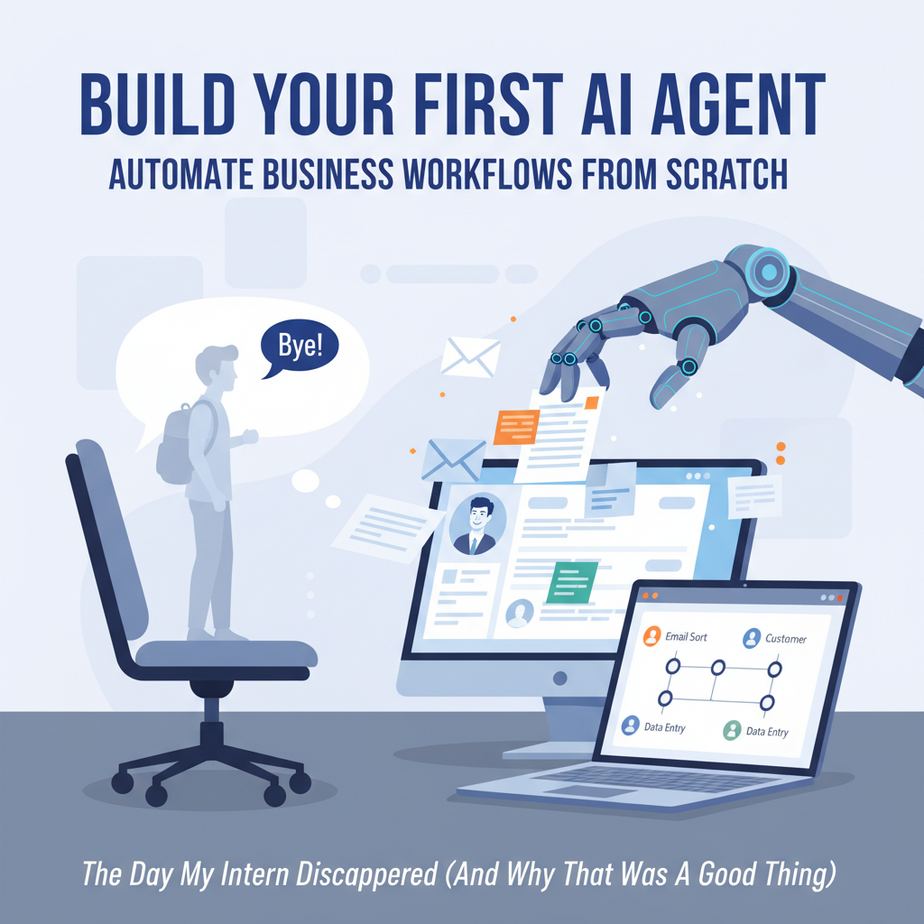
The Day My Intern Disappeared (And Why That Was a Good Thing)
Picture this: It’s 2 PM on a Tuesday. Your inbox has 47 new emails. Six are customer inquiries, three are urgent, one is from your biggest client asking for a quote they need yesterday. Meanwhile, you’re manually copying data from emails into a spreadsheet, then drafting individual replies, then checking your calendar to see if you’re free for a call next Thursday. This isn’t business growth. This is human robotics.
Two years ago, I watched a business owner (let’s call him Dave) spend 4 hours every single day doing exactly this. Dave paid a virtual assistant $20/hour to do it, but the VA got sick, and Dave’s entire workflow collapsed. That’s when he called me, panic in his voice: “Ajay, I need someone who never sleeps, never gets the flu, and costs less than my coffee budget.”
What Dave needed wasn’t another human. He needed an AI Agent.
Why This Matters: The Invisible Workforce
An AI Agent is like giving your business a tireless intern who has read every business book, knows your entire operation, and can make decisions without needing a 2-hour meeting. But here’s the real impact:
Time: This replaces the 3-5 hours of repetitive email triage, data entry, and basic decision-making that most founders and small teams do daily.
Money: Instead of hiring a $4,000/month operations manager or a VA team, you build a system that costs $50-100/month in API credits and runs 24/7.
Scale: While you sleep, your agent processes leads, qualifies them, and even sends quotes. You wake up to a list of hot prospects, not a chaotic inbox.
Sanity: No more panic when you’re sick or on vacation. Your business doesn’t just pause.
What an AI Agent Actually Is (And What It Isn’t)
It IS: A workflow that listens for triggers (like an email), uses an AI model (like GPT-4) to understand and decide, then takes action (like sending a reply or updating a database). Think of it as an API pipeline with a brain.
It IS NOT: A sentient robot that will replace your entire company. It’s not a chatbot on your website. It’s not some mystical black box that requires a PhD in Computer Science.
Real talk: This is about automating decisions and actions, not just responding to keywords. If “customer says X, then do Y” is your entire business logic, you’re in for a world of pain. Agents reason, they don’t just react.
Prerequisites: What You Need (Don’t Panic)
Zero coding required. Repeat: This entire lesson is visual, click-based automation. If you can use Gmail and follow a recipe, you can build this.
What you’ll need:
- An OpenAI account (free tier works to start) – for the “brain”
- An n8n account (free tier is generous) – for the automation engine
- 15 minutes of focus (and maybe a coffee)
Cost: Expect to spend about $1-5 in API credits while testing. That’s it. No subscriptions, no hidden fees.
If you’re nervous, good. That means you’re paying attention. But also, relax. We’re building this together, one click at a time.
Step-by-Step Tutorial: Build a Lead Qualification Agent
We’re building an agent that watches a specific email inbox. When a new email arrives saying they want to work with you, it will:
- Read the email
- Extract key info (name, company, budget, urgency)
- Decide if it’s a hot lead, warm lead, or tire kicker
- Send a personalized reply based on the category
- Add the lead to your CRM (or a simple Google Sheet)
Step 1: Set Up Your Automation Hub (n8n)
Log into n8n. Click “New Workflow.” You’ll see a blank canvas. This is your agent’s brain map. On the left, you’ll see nodes (the building blocks). We’re going to drag and drop these like Lego bricks.
Step 2: The Trigger (Email Reader)
Search for and add the “Email Read Imap” node. This node sits and waits. Configure it with your email credentials (Gmail works great). Set it to check every 5 minutes. This is your agent’s ears.
Step 3: The Brain (OpenAI)
Add an “OpenAI” node after the email trigger. Connect them. In the OpenAI node:
– Select “Chat Model” (gpt-4o-mini is perfect and cheap)
– In the system prompt, write:
You are a business development assistant. Analyze the incoming email and extract: sender name, company name, stated need, and urgency level (low, medium, high). Return this as JSON.This is where the magic happens. The AI isn’t just looking for keywords—it’s understanding the email’s intent.
Step 4: The Decision Maker (IF Node)
Add an “IF” node. This is your agent’s judgment. Connect the OpenAI output to this node. Create conditions like:
- If urgency = “high” AND budget mentioned = “yes” → Go to Hot Lead Path
- If urgency = “medium” → Go to Warm Lead Path
- If urgency = “low” → Go to Tire Kicker Path
Step 5: The Action (Email + Spreadsheet)
For your Hot Lead Path, add these nodes in sequence:
- Email Sender: Draft a personal, urgent reply: “Hey {{name}}, saw your email about {{need}}. I’m free today at 3 PM or tomorrow morning. Does that work?”
- Google Sheets: Add a row with name, company, urgency, timestamp.
Do the same for Warm and Cold paths, but adjust the message tone.
Complete Automation Example: The 24/7 Lead Machine
Let’s watch this in action. It’s Monday, 11 PM. Your agent is running.
11:03 PM: Email arrives from Acme Corp: “We need a website redesign, budget $20k, need it done in 6 weeks. Urgent!”
Agent thinks: High urgency. Budget confirmed. Sender = Acme Corp. This is HOT.
11:03 PM: Agent adds to Hot Leads tab in your Google Sheet.
11:03 PM: Agent sends: “Acme Corp team, I can absolutely help. Let’s hop on a call tomorrow at 9 AM. Here’s my calendar link.”
Result: You wake up, see the notification, and start your day with a qualified lead already in your pipeline. Zero manual work. Zero panic.
Real Business Use Cases
1. Law Firm: Catches intake emails at 2 AM, analyzes case type (personal injury, corporate, family), assigns priority, sends a “We’ve got your info” response, and logs it in their case management system.
2. Real Estate Agent: Filters listing inquiries: “Looking to buy in 3 months” vs “Just browsing.” Sends appropriate drip campaigns and adds hot buyers to a call list.
3. Marketing Agency: Reads project briefs, estimates scope from description, sends pricing tiers automatically, and books strategy calls with qualified prospects.
4. E-commerce Store: Handles return requests: reads reason, approves/denies based on policy, sends shipping labels, updates inventory, all without human eyes.
5. Consultant: Processes incoming requests, checks calendar, sends meeting slots, creates prep docs, and adds to project board—before you even have coffee.
Common Mistakes & Gotchas
Mistake #1: Prompts that are too vague. “Be helpful” is useless. “Extract name, budget, and urgency as JSON” is perfect. Be specific.
Mistake #2: No error handling. What if OpenAI is down? Always add an “Error Handler” branch that emails you when something breaks.
Mistake #3: Forgetting human oversight. Your agent should never sign contracts or spend money without a human approval step. Add an approval email that you must click.
Mistake #4: The Black Box. Don’t build it and walk away. Log every decision your agent makes so you can audit and improve.
How This Fits Into a Bigger Automation System
This lead qualification agent is a single module in your business engine. Now imagine hooking it into:
- CRM: Hot leads automatically create deals in HubSpot or Salesforce.
- Voice Agents: Your agent texts you: “Hot lead Acme Corp on line 2.” Your voice AI answers and books the meeting.
- Multi-Agent Workflow: One agent qualifies, a second drafts proposals, a third schedules follow-ups for 7 days out.
- RAG Systems: Your agent pulls your exact pricing, portfolio, and case studies to craft hyper-personalized responses every time.
This isn’t just automation—it’s orchestration. You’re building a workforce.
What to Learn Next
In our next lesson, we’re going to connect this lead agent to your CRM and build a follow-up system that warms up cold leads over 14 days without you lifting a finger. We’ll also add human-in-the-loop approval for those high-stakes deals.
This is Lesson 3 in the AI Automation Academy. If you haven’t taken Lesson 1 (The Automation Mindset) or Lesson 2 (n8n Crash Course), go back and binge them. But if you’re ready to scale this thing, click next. We’re just getting started.
— Professor Ajay