
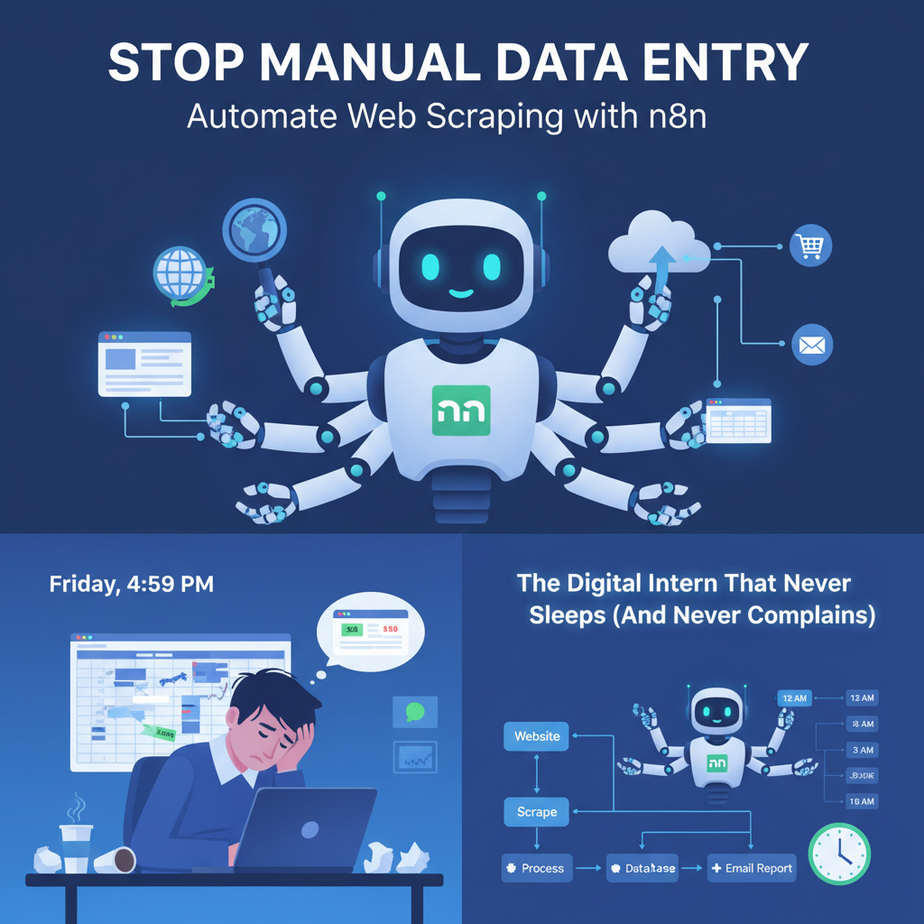
The Digital Intern That Never Sleeps (And Never Complains)
Picture this: It’s Friday, 4:59 PM. You’re staring at a spreadsheet. Again. Your competitor launched a new pricing page, and you need to track it. Every. Single. Week. You copy, paste, copy, paste. Your brain is turning into mush. This is not why you started your business.
Manual data entry is the silent killer of ambition. It’s the digital equivalent of shoveling snow in a blizzard. You’re working hard, but you’re getting nowhere. Meanwhile, your competitor? They automated this task six months ago. They’re sipping coffee, thinking about strategy, while their digital intern fetches the data.
Today, you fire that manual process and hire a robot. We’re building a web scraper in n8n—a visual automation tool that’s as powerful as it is friendly. No code, no drama, just results.
Why This Matters: From Time Sink to Revenue Engine
Let’s talk brass tacks. What does automating web scraping actually do for your business?
- Time: You reclaim hours every week. Time to talk to customers, build new products, or (gasp) take a weekend off.
- Scale: One scraper can monitor 100 websites as easily as it monitors one. Try doing that manually.
- Money: Real-time market intelligence means you can react faster. Spot a price drop? Adjust yours. See a new feature? Build a better one. This is how you win.
- Sanity: Eliminate human error. No more typos, no more missed rows, no more copy-paste-induced existential dread.
This isn’t just a tool; it’s a replacement for the tedious work you’d normally hire an expensive intern or a VA to do. But this intern works 24/7, costs pennies in electricity, and never asks for a raise.
What This Automation Actually Is
What it IS: A workflow that visits a webpage, extracts specific information (like prices, names, or articles), and sends that data somewhere useful (a spreadsheet, your CRM, a Slack channel). It’s a scheduled, reliable data-fetching bot.
What it is NOT: This is not a malicious hacking tool or a way to overload servers. We’re ethically scraping public data. We’re not breaking into Fort Knox; we’re reading the public library’s bulletin board.
Prerequisites
Here’s the beauty of it: almost nothing.
- An n8n account (the free cloud tier is perfect to start).
- A URL you want to scrape (we’ll use a dummy site for our example).
- 5 minutes of your focus.
If you can click a mouse and type a URL, you can do this. Let’s go.
Step-by-Step Tutorial: Building Your First Scraper
We’re going to build a simple but powerful scraper. We’ll visit a book store’s demo page, extract the title and price of every book, and output it as clean, usable data.
Step 1: Start the Workflow
- Log in to your n8n account.
- Click the big + Create Workflow button. A blank canvas appears. This is your factory floor.
Step 2: Get the Page (HTTP Request Node)
We need to tell our bot to visit a website. This is done with the HTTP Request node. It’s like giving your intern a URL and saying “Go get the page.”
- Click the + button to add a node.
- Type
HTTP Requestand select it. - Set the parameters:
- Method:
GET - URL:
https://books.toscrape.com/(This is a safe, demo site for scraping practice).
- Method:
- Click Execute Node. You’ll see the raw HTML of the page appear in the output panel. It’s messy, but it’s the raw material.
Step 3: Extract the Data (HTML Extract Node)
Now we need to pluck the specific pieces we want from that HTML pile. This is the magic. The HTML Extract node is your data scalpel.
- Click the + button after the HTTP Request node.
- Type
HTML Extractand select it. - Connect it: The output of HTTP Request becomes the input of HTML Extract.
- In the HTML Extract node settings:
- Base URL: Enter the same URL:
https://books.toscrape.com/ - HTML: This should automatically be set to take data from the previous node. If not, click the magic wand and select “HTML from previous node.”
- Base URL: Enter the same URL:
- Now, the crucial part. Under Extraction Values, we’ll tell it what to look for. Click Add Extraction Value.
- We need to give n8n a CSS selector. This is the address of the data on the page. Don’t panic, we’ll get it.
- Go to the books.toscrape.com page in your browser.
- Right-click on a book’s title and choose Inspect.
- You’ll see the HTML code. Find the tag for the title. It’s inside an
h3tag, and the link<a>has atitleattribute. The CSS selector isarticle.product_pod h3 a.
- Back in n8n:
- Name:
title - Selector:
article.product_pod h3 a - Attribute: Leave blank to get the text inside the tag. Or, click the attribute dropdown and select
titleto get the full title text (safer).
- Name:
- Click Add Extraction Value again for the price.
- Name:
price - Selector:
article.product_pod p.price_color - Attribute: Leave blank (we want the text).
- Name:
- Click Execute Node. BOOM! You now see a clean table of titles and prices. You just replaced 30 minutes of manual copy-pasting with a 30-second process.
Step 4: Send It Somewhere Useful
Data is useless sitting in n8n. Let’s send it to a Google Sheet.
- Add a new node:
Google Sheets. - Connect it to the HTML Extract node.
- In the node settings:
- Authentication: Connect your Google account.
- Operation:
Append Row. - Spreadsheet: Select or create a new sheet.
- Sheet Name:
Book Data. - Mapping: n8n will automatically map your extracted columns (title, price) to the sheet headers. It’s intuitive.
- Click Execute Workflow (the big button at the bottom). Check your Google Sheet. Your data is there. You are now a data wizard.
Complete Automation Example: The Competitive Price Monitor
Let’s build a real-world workflow from end to end. Imagine you sell gourmet coffee beans. You want to monitor your top 3 competitors’ prices for a specific blend every day at 8 AM.
The Workflow:
- Scheduler Node: (Set to run daily at 8 AM) – The alarm clock for your bot.
- HTTP Request Node: (Set to
GET) – Visitscompetitor1.com/coffee-blend. You can chain multiple HTTP nodes for each competitor or use a loop (advanced). - HTML Extract Node: (Selector:
.product-price) – Grabs the price. - If Node: (Condition:
Current Price > Your Price) – A simple decision. Is their price higher than yours? If yes, proceed. - Slack Node: (Action:
Post Message) – Sends a message to your #sales-alerts channel: “Alert: Competitor price is now $19.99. Time to adjust!” - Google Sheets Node: (Action:
Append Row) – Logs the price every single day for historical trend analysis.
Set this up once, and you have a 24/7 market intelligence agent working for you.
Real Business Use Cases
- E-commerce Store Owner: Problem: Checking 50 supplier websites daily for inventory updates and price changes. Solution: Scrape all 50 sites, feed data into a master inventory sheet, trigger low-stock alerts to your procurement email.
- Real Estate Agency: Problem: Manually checking Zillow, Redfin, and Realtor.com for new listings that match client criteria. Solution: Scrape these sites for new listings with 3+ beds, >2000 sqft, in a specific zip code. Automatically create a new contact in your CRM and send an email to the client.
- Freelance Marketer: Problem: Need to build a weekly report on blog posts from industry leaders for a client’s content strategy. Solution: Scrape the headlines and authors from 10 industry blogs. Format into a clean Markdown report and auto-email it to the client every Friday.
- Recruitment Agency: Problem: Finding new job postings that match a candidate’s niche skills. Solution: Scrape job boards for keywords like “Remote Rust Developer”. When a match appears, create a candidate profile and notify the recruiter via Slack.
- Startup Founder: Problem: Need to track every mention of their brand or product online for PR and feedback. Solution: Scrape Google News, Twitter, and Reddit for brand mentions. Send positive mentions to a Slack channel for social proof, and negative mentions to a customer support ticket system.
Common Mistakes & Gotchas
Even pros trip up. Here’s how to avoid the classic falls:
- The ‘Website Changed’ Break: Websites update their design. Your CSS selector
.price.mainmight become.price.main.new. Your scraper will break. Fix: Don’t obsess over perfection. Plan for it. Check your workflow weekly at first. Use error-handling nodes in n8n to notify you if a scraper fails. - Getting Blocked: Hitting a site every 5 seconds will get you blocked. It’s rude and looks like a denial-of-service attack. Fix: Be respectful. Use the
Waitnode in n8n to add a delay between requests. Scrape ethically and slowly. - Scraping Everything: Beginners often try to grab 50 data points from one page. This makes the workflow fragile. Fix: Scrape only the essential 2-3 things you need right now. You can always add more later. Start small.
How This Fits Into a Bigger Automation System
Your web scraper is the ‘data feeder’. It’s the first step in a much larger, more intelligent system. Think of it as the robot that mines the iron ore for the factory.
- CRM Integration: Your scraper finds a new lead on a directory? It sends that data to HubSpot or Salesforce to create a new lead automatically.
- Voice Agents: Imagine your scraper finds a huge price drop. It doesn’t just send an alert. It triggers an AI voice agent to call your sales manager and say, “Price alert on Blend 42. Check Slack immediately.”
- Multi-agent Workflows: Your ‘Scraper Bot’ feeds data to a ‘Analysis Bot’ (which uses AI to summarize the data) which then feeds a ‘Reporting Bot’ (which formats the email for the CEO).
- RAG Systems: Scrape all your competitor’s documentation and feed it into a vector database. Now you can ask an AI chatbot, “What is Competitor X’s policy on returns?” and it will answer based on real, scraped data.
What to Learn Next
You now have the power to pull raw information from the web and turn it into structured, actionable data. This is a superpower. But raw data is just the beginning.
In our next lesson, we’re going to take that data and make it intelligent. We’ll explore AI Classification & Data Transformation. We’ll take your list of scraped products and automatically categorize them, summarize them, and even detect the sentiment of customer reviews. We’re going from a data collector to an intelligence agent.
Keep building. The robots are waiting for their instructions.
“,
“seo_tags”: “web scraping, n8n tutorial, business automation, data extraction, no-code automation, market research”,
“suggested_category”: “AI Automation Courses