
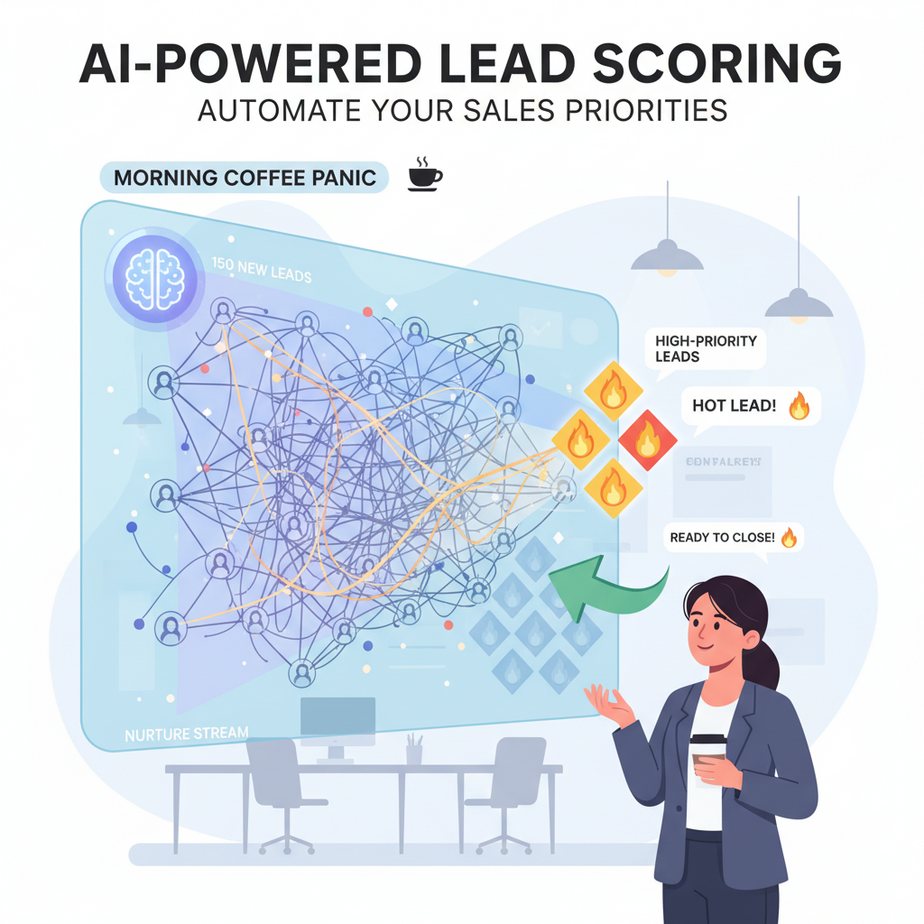
The Morning Coffee Panic
You walk into the office, coffee in hand, ready to crush the day. But first, the ritual: you open your CRM. It’s a digital jungle—150 new leads from yesterday’s webinar, LinkedIn ads, and that random trade show. You start digging. Who’s real? Who’s just tire-kickers? Your top salesperson is chasing someone who downloaded a free ebook but has no budget. Meanwhile, a director from a Fortune 500 company sits ignored in the queue. By the time you find them, your competitor already called.
Manual lead triage is like panning for gold with a spoon. It’s slow, exhausting, and you miss the nuggets. Your team burns energy on low-value leads, and revenue leaks through the cracks. This isn’t sales—it’s triage chaos.
Why This Matters
Automating lead scoring changes the game. It’s like hiring a hyper-efficient intern who reads every lead profile in milliseconds and assigns a score based on purchase intent, company size, and engagement level. The business impact is brutal:
- Time: Save 10-20 hours per sales rep per week.
- Money: Increase conversion rates by focusing on high-probability leads.
- Scale: Handle 10x more leads without hiring.
- Sanity: Kill the daily lead panic. Your team knows exactly who to call first.
This replaces the manual work of junior SDRs (Sales Development Reps) sifting through data. It replaces the chaos of a messy CRM. It turns your lead flow from a firehose into a precision-guided pipeline.
What This Tool / Workflow Actually Is
We’re building an AI agent that monitors your CRM for new leads. When a lead lands, the agent automatically:
- Grabs the lead’s data (job title, company size, website activity, etc.).
- Sends it to a large language model (LLM) like GPT-4.
- Prompts the LLM to analyze the data and return a numerical score (1-100) and a reason.
- Updates the CRM lead score field automatically.
- Triggers a notification for the sales team if the score is above 80.
What it does NOT do: It doesn’t close deals. It doesn’t replace your human salespeople. It doesn’t make phone calls. It simply does the boring, repetitive data analysis so humans can focus on selling.
Prerequisites
Brutally honest time: you need accounts for two things.
- Make.com (formerly Integromat) or Zapier. We’ll use Make.com for this lesson because it’s cheaper and more visual for automation. Free tier works fine.
- OpenAI API account. You’ll need an API key. You’ll spend maybe $0.01 per lead scored. It’s stupid cheap.
If you can sign up for a website and copy-paste an API key, you are qualified. No coding required.
Step-by-Step Tutorial
Let’s build this in Make.com. We’ll use HubSpot as the example CRM, but the logic is identical for Salesforce, Pipedrive, or Airtable.
Step 1: Create the Scenario in Make.com
Log into Make.com. Click “Create a new scenario.” This is your automation canvas.
Step 2: Set the Trigger (New HubSpot Contact)
Click the big purple plus button. Search for “HubSpot.” Select the “Watch Contacts” module. Connect your HubSpot account. Set it to trigger when a contact is created. Now, your automation waits for new leads to appear.
Step 3: Send Data to OpenAI for Analysis
Add another module after HubSpot. Search for “OpenAI.” Choose “Create a Chat Completion (Text).” Connect your OpenAI account with your API key.
Now, the critical part: the prompt. You’re telling the AI intern what to do. In the “User Message” field, compose a prompt that includes the lead data:
You are a senior sales lead scorer. Analyze the following lead data and return a JSON object with a score (1-100) and a one-sentence reason.

Lead Data:
Name: {{1.name}}
Title: {{1.jobtitle}}
Company Size: {{1.company.size}}
Website Activity: {{1.website}}

Return ONLY valid JSON, no extra text:
{ "score": X, "reason": "..." }
The {{1.name}} parts are dynamic fields from the HubSpot trigger. Make.com will auto-fill them when you click.
Step 4: Parse the AI Response
The AI will return text. We need to turn that into usable data. Add a “JSON Parse” module from Make’s tools. In the “Text” field, select the text output from the OpenAI module.
Step 5: Update the Lead Score in HubSpot
Add a HubSpot “Update a Contact” module. Select the contact ID from the trigger. In the “Lead Score” field, map the score from your JSON parse step: {{3.score}}. Add a “Note” or property for the reason: {{3.reason}}.
Step 6: Add a Router for Hot Leads
This is pro-level. Add a “Router” module after the JSON Parse. Connect two routes:
- Route A (Hot): Add a filter: If
{{3.score}}is greater than or equal to 80. Then add a Slack or Email module to notify your sales team: “🔥 HOT LEAD: {{1.name}} at {{1.company.name}} scored {{3.score}}. Call now!” - Route B (Normal): Do nothing, or just update the score. The automation is done.
Step 7: Test and Turn On
Click “Run Once.” Create a dummy lead in your CRM. Watch the automation work. If it succeeds, turn it on. You are now automated.
Complete Automation Example
Scenario: You run a B2B SaaS company selling project management software. Leads come from a “Request Demo” form on your website.
The Setup: Your webhook sends form data to HubSpot. Make.com watches for new contacts.
The Action: A Marketing Manager from a 500-person tech company fills out the form. The AI analyzes this: “Job Title: Marketing Manager (mid-funnel), Company Size: 500 (high value), Website Activity: Viewed pricing page and case studies (high intent).” The AI returns a score of 92 and the reason: “High intent, decision-making role, large company.”
The Result: The lead’s score updates in HubSpot to 92. Instantly, a Slack notification pings the sales team. A rep calls within 5 minutes. The lead converts. You win. The intern who previously did this manually is now reassigned to learning closing techniques. Everyone wins.
Real Business Use Cases
- E-commerce Agency: Problem: Too many small, low-budget “lead this new Shopify store” requests. Solution: Score leads based on stated budget and current revenue (from their initial email). Only high-budget leads trigger a sales call.
- Commercial Real Estate Broker: Problem: Zillow leads are a mix of tire-kickers and serious investors. Solution: Score leads based on price range filter used and number of properties viewed. Only serious investors get a call.
- Legal Firm (Personal Injury): Problem: Screening out non-viable cases. Solution: Use AI to read the lead form description of the incident. Score based on keywords indicating clear liability and damages. Prioritizes high-case-value leads.
- HR Tech Recruiter: Problem: Sourcing candidates for niche roles. Solution: Score incoming applications based on years of experience and specific skill keywords in their resume/CV upload. Auto-prioritizes the 10 best fits.
- Online Course Creator: Problem: High traffic but low enrollment. Solution: Score leads based on email engagement (opened last 5 emails, clicked link). Trigger a personalized discount offer only to warm leads.
Common Mistakes & Gotchas
- The Prompt is Everything: If your AI scores weirdly, it’s a bad prompt. Be explicit. Tell it what “good” and “bad” look like. Use examples in the prompt.
- Data Hygiene: If your CRM fields are empty (no company size, no title), the AI scores blind. Make sure your forms collect key data.
- Over-Score Every Lead: Don’t let the AI give everything an 80+. Force it to use the full 1-100 range. This is about prioritization, not stroking egos.
- API Costs: It’s cheap, but monitor it. If you’re processing 10,000 leads a day, that’s a few dollars, not pennies.
- Legal/Compliance: Be aware of bias. If the AI learns to score leads from certain geographic regions lower due to historical data, that’s a problem. Audit your scores periodically.
How This Fits Into a Bigger Automation System
This lead scoring module is a single gear in your revenue machine. Now, connect it to the rest of the factory:
- CRM: It sits right at the entry point of your CRM data flow.
- Email Marketing: A low score (1-40) could trigger a nurturing email sequence instead of a sales call.
- Voice Agents: Imagine this: a lead scores 90. Instead of a human making the first call, an AI Voice Agent calls automatically. “Hi Sarah, I saw you were interested in our enterprise plan…” Qualifies the lead and books the meeting.
- Multi-Agent Workflows: The Lead Scoring Agent sends its output to a “Outreach Agent” which drafts a personalized email for the sales rep based on the lead’s profile and the score reason.
- RAG Systems: In the future, you could give the scoring agent access to your entire customer success history via RAG. “Score this lead based on how similar they are to our top 10% churned clients.” Next-level qualification.
What to Learn Next
You just built a smart triage system for your sales leads. You stopped the chaos. You gave your team superpowers. This is the foundation of modern sales operations.
But identifying a hot lead is only step one. In our next lesson, we’re going to activate it. We’re going to build an AI SDR (Sales Development Rep) that automatically drafts hyper-personalized outreach emails for every single hot lead this system finds. No more blank pages. No more generic templates. Just pure, customized outreach at scale.
Keep building. Your automation factory is coming online.
“,
“seo_tags”: “AI lead scoring, sales automation, CRM automation, business automation, AI for sales, lead qualification, make.com automation, zapier automation, OpenAI API”,
“suggested_category”: “AI Automation Courses