
Hook
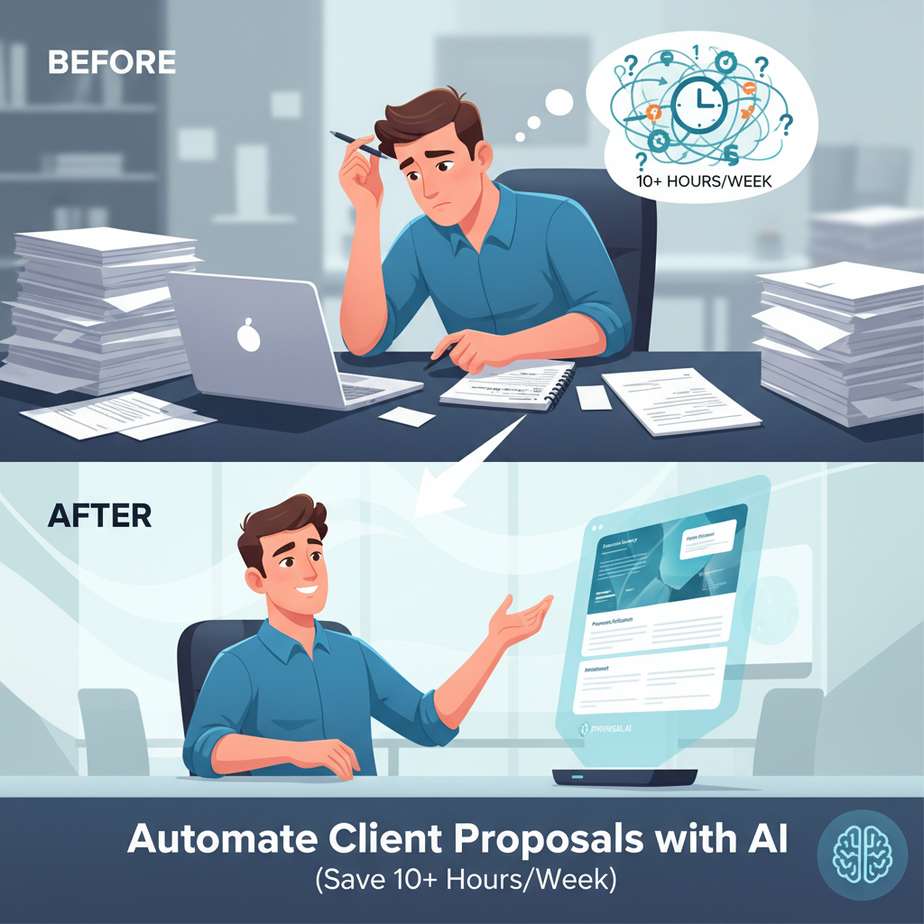
Meet Alex. Alex is a freelance consultant. Every week, he sits through back-to-back client calls, takes furious notes on a legal pad, and then spends his entire Thursday afternoon crafting proposals. He’s tired. His proposals are getting repetitive. And last week, he accidentally sent the wrong price to the wrong client. Not good.
Alex isn’t a bad writer. He’s just doing the same boring work as a factory assembly line—only his assembly line is a word processor. What if we could replace that assembly line with a smart, tireless robot?
That’s exactly what we’re building today.
In this lesson, you will build an AI automation that takes raw meeting notes and outputs a complete, professional client proposal. You’ll save 10+ hours per week, reduce errors, and deliver better proposals faster.
Why This Matters
Proposal writing is a business automation goldmine. It’s high-impact, repetitive, and often underused for automation. Here’s the direct impact:
- Time: A typical proposal takes 1-2 hours. This automation reduces it to 5 minutes.
- Scale: You can send proposals instantly after a call, increasing your close rate.
- Consistency: Every proposal uses your latest pricing, services, and branding.
- Sanity: You never stare at a blank page again.
Who this replaces: It replaces the need for a junior admin assistant whose only job is to format and send proposals. It also replaces the mental burden of switching from your consulting brain to your document formatting brain.
What This Workflow Actually Is
What it IS: An AI-powered pipeline that ingests rough meeting notes (e.g., a transcript, a voice memo, or handwritten bullet points) and uses a large language model (LLM) to structure them into a proposal document. It includes sections for scope, deliverables, pricing, and a professional summary.
What it does NOT do: It does not write the original client strategy. That’s your job. It does not negotiate terms. It does not replace your sales call. It is a *documentation and formatting* robot. Your expertise remains the secret sauce.
Prerequisites
Brutally honest: You need access to an LLM (like the one in this chat window) and a way to save the output (like a Google Doc or Notion). You do not need to code. You do not need to be technical. You just need to be willing to learn one new workflow.
For this tutorial, we will use a simple method you can replicate with any AI tool. We’ll provide a template and a copy-paste process.
Step-by-Step Tutorial
Let’s build this robot together. We’ll assume you just had a client call and have your notes.
Step 1: Structure Your Raw Notes
Before feeding notes to the AI, give it structure. Your AI intern needs clear context. Create a simple text file or note with the following headings:
Client Name:
Meeting Date:
Key Pain Points Discussed:
Client Goals:
Requested Services:
Budget Mentioned (if any):
Other Requirements:
Fill these in from your call. It’s okay if some are brief.
Step 2: The Proposal Generation Prompt
This is the brain of our operation. Copy the prompt below. It’s designed to turn your raw notes into a masterpiece. We’ll paste our structured notes into the “Raw Meeting Notes” section.
**ROLE:** You are a professional business consultant and proposal writer. Your job is to transform raw meeting notes into a clear, persuasive, and structured client proposal.

**INPUT:**
Here are my raw notes from the client meeting.

RAW MEETING NOTES
[Insert Your Structured Notes Here]


**INSTRUCTIONS:**
1.  Analyze the notes for key pain points, goals, and requested services.
2.  Structure the output into the following sections:
    *   **Executive Summary:** A 2-3 paragraph overview summarizing the client's situation and our proposed solution.
    *   **Project Scope & Deliverables:** A detailed list of what we will deliver. Be specific.
    *   **Timeline:** A realistic timeline for the project phases.
    *   **Pricing:** A clear breakdown of costs. Present 1-2 options if feasible (e.g., Basic vs. Premium). Use the budget mentioned as a guide, but base pricing on value.
    *   **Next Steps:** What the client needs to do to move forward (e.g., review, sign, deposit).
3.  Write in a confident, professional tone. Use bold text for section headers.
4.  **DO NOT** create filler text. Be concise and value-driven.

**OUTPUT:**
Generate the complete proposal document.
Step 3: Run the Automation
Here is your complete, copy-paste-ready workflow. This is a single conversation with an AI model.
1. Prepare your notes. Using the structure from Step 1, fill it out. Example:
Client Name: TechStart Solutions
Meeting Date: 2023-10-27
Key Pain Points Discussed: Marketing is inconsistent, leads are low quality, no system for tracking ROI.
Client Goals: Increase lead quality by 50% in Q4, build a repeatable marketing funnel.
Requested Services: Marketing audit, funnel design, ad campaign setup.
Budget Mentioned: "We have a budget between $3k-$5k for the first month."
Other Requirements: Need reports bi-weekly, prefer Asana for collaboration.
2. Create a new chat with your AI. Paste the prompt from Step 2 into the chat. Where it says [Insert Your Structured Notes Here], paste your prepared notes (the example above).
3. Execute. Press send. The AI will analyze your notes and generate a complete proposal.
4. Save & Refine. Copy the output into a Google Doc or Word file. Do a quick read-through. Ensure the pricing aligns with your actual rates. Add your company logo and contact info. This is a human-in-the-loop step for quality control.
Complete Automation Example
Let’s see it in action using the example notes above. When you run the prompt with those notes, the AI will generate output like this (abbreviated for space):
**Executive Summary**
TechStart Solutions is at a critical juncture. Your current marketing efforts are inconsistent, leading to low-quality leads and an inability to track ROI. Your goal is to increase lead quality by 50% in Q4 and build a repeatable funnel. Our proposal provides a structured marketing audit and funnel design to transform your lead generation system from unpredictable to scalable.

**Project Scope & Deliverables**
1.  **Comprehensive Marketing Audit:** A deep dive into all current channels, messaging, and conversion metrics.
2.  **Funnel Design & Architecture:** A visual map of your ideal customer journey from awareness to conversion.
3.  **Ad Campaign Blueprint:** Targeted campaign structure for the platforms where your audience lives.
4.  **Analytics & Reporting Setup:** Bi-weekly reports delivered via Asana, tracking KPIs like Cost per Lead and Lead Quality Score.

**Timeline**
*   **Week 1:** Audit & Discovery
*   **Week 2-3:** Funnel Design & Blueprinting
*   **Week 4:** Campaign Setup & Launch
*   **Ongoing:** Bi-weekly optimization and reporting.

**Pricing Options**
*   **Option 1 (Core):** $3,900/month. Includes Audit, Funnel Design, and ongoing bi-weekly reports.
*   **Option 2 (Premium):** $5,500/month. Includes Core features PLUS hands-on ad management and weekly performance sync calls.

**Next Steps**
1.  Select your preferred option (Core or Premium).
2.  Reply to this email with your choice.
3.  We will send over a signable contract and a link for the initial deposit.

Let's build a predictable pipeline together.
Real Business Use Cases (MINIMUM 5)
- Freelance Designers & Developers: Use client call notes (scope, features) to generate project proposals and SOWs. No more copying and pasting from old proposals.
- Marketing Agencies: Turn a discovery call transcript into a custom campaign proposal. The AI can list the specific services (SEO, PPC, Content) discussed.
- Consultants (Business, HR, IT): Turn client pain points into a phased consulting engagement proposal. This is perfect for high-value service firms.
- Real Estate Agents: Use notes from a seller/buyer meeting to automatically generate a listing presentation outline or buyer agency agreement proposal.
- Event Planners: After discussing a wedding or corporate event, the AI can generate a proposal outlining venue options, vendor coordination, and budget breakdowns.
Common Mistakes & Gotchas
1. The Garbage-In-Garbage-Out Trap: If your raw notes are messy and vague, the proposal will be too. Spend 5 minutes to structure them first. It’s the most important step.
2. Trusting the AI’s Pricing Blindly: The AI will suggest numbers based on averages. **Always** verify and adjust pricing to your real business model, rates, and value. It’s a draft, not a mandate.
3. Forgetting the Human Touch: The proposal will sound professional, but it might not sound like *you*. Add a personal anecdote or a reference to a specific joke from the call. This is your job.
4. Scaling Pitfall: This is a fantastic starting point. As you get more advanced, you’ll want to store client history (in a CRM) and inject that into the prompt for hyper-personalization. But start here.
How This Fits Into a Bigger Automation System
This proposal generator is your first taste of a full business automation pipeline. Here’s how it plugs into the larger system:
- CRM Connection: In a more advanced setup, your CRM (like HubSpot or Salesforce) would trigger this automation. When a “Call Completed” status is logged, it sends the notes to the AI and drafts a proposal email automatically.
- Document Storage: The output can be saved directly to Google Drive or Notion, organized by client name and date.
- Multi-Agent Workflow: Imagine a team: **Agent 1** takes notes, **Agent 2** drafts the proposal, and **Agent 3** formats it into a branded PDF and emails it. This is the next level.
- Link to Future Lessons:** This lesson is your foundation. In the next course module, we’ll teach you how to **connect this AI proposal generator to your website contact form**, so new leads automatically get a tailored preliminary proposal based on their initial inquiry.
What to Learn Next
You’ve just built a productivity robot that saves you hours and increases your professionalism. This is your first automated workflow. In the next lesson, we’ll show you how to **automate lead intake from your website**, taking the very next step in the client pipeline.
Stay tuned. The factory is just starting to hum.
“,
“seo_tags”: “AI automation, business automation, proposal automation, client proposals, AI for freelancers, time saving tools, workflow automation, meeting notes to proposal”,
“suggested_category”: “AI Automation Courses