
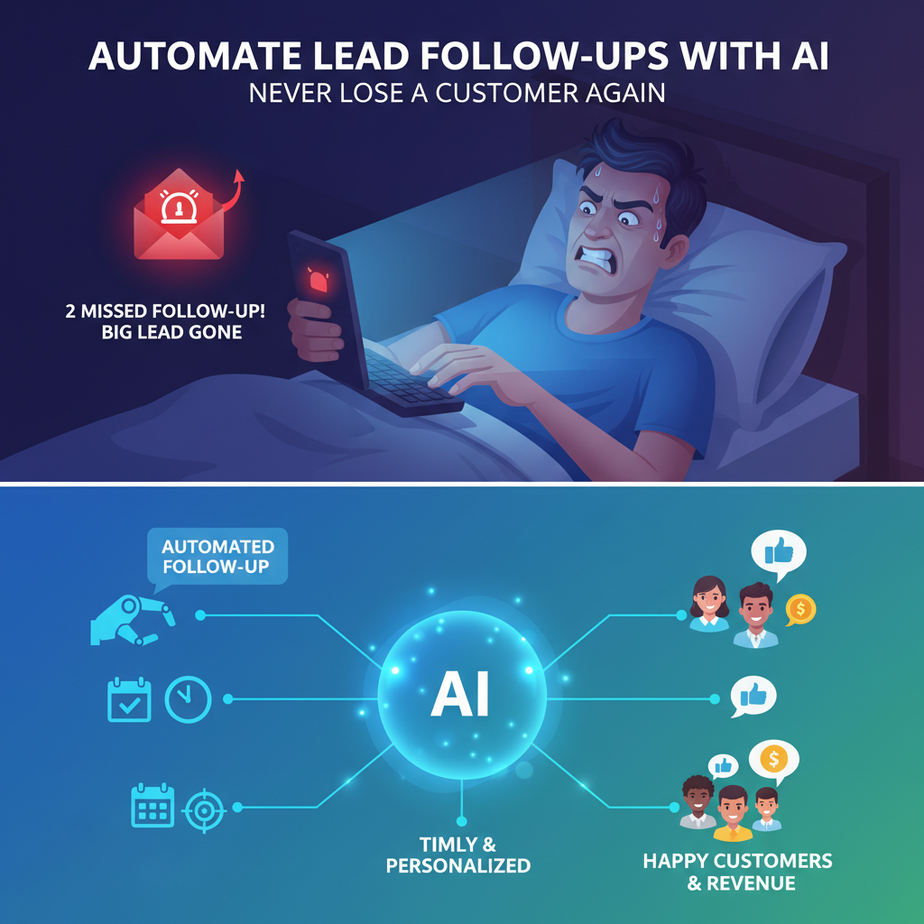
Hook: The 2 AM Email From Hell
You wake up, bleary-eyed, to that sinking feeling. You remember: “The lead from yesterday. The big one.” You meant to follow up. You even drafted the email. But the day exploded—meetings, fires, chaos—and now it’s 10 PM. You’ll do it tomorrow, you promise. But we all know tomorrow leads are already cold.
Meanwhile, your competitor’s AI just nudged that same lead with a perfectly timed, helpful message. They’re playing chess; you’re playing checkers with a missing piece. The war for attention isn’t won with big ideas; it’s won with relentless, timely, boring consistency.
That’s what we’re fixing today. Let’s build an AI intern that never sleeps, never forgets, and never gets grumpy about sending the 50th follow-up.
Why This Matters: Your Sales Pipeline is a Leaky Bucket
Manual follow-up is the silent killer of revenue. Studies show that 80% of sales require 5 follow-up touches, but 44% of salespeople give up after just one. The gap between a warm lead and a closed deal is often just a handful of automated, consistent touchpoints.
This automation replaces:
- The frazzled salesperson trying to remember 50 leads in a spreadsheet.
- The random, panicked emails sent at 11 PM.
- The spreadsheet of forgotten prospects costing you thousands in lost revenue.
Business Impact: You’ll capture leads instantly, nurture them automatically, and schedule human conversations only with the most engaged prospects. It’s like turning a leaky bucket into a precision funnel.
What This Workflow Actually Is
Think of it as a smart inbox relay. A lead comes in → AI analyzes intent and context → drafts a response → schedules a follow-up sequence → notifies you only when a human decision is needed.
What it does:
- Monitors incoming leads (from web forms, chats, etc.).
- Generates personalized initial replies.
- Schedules and sends a sequence of follow-ups (e.g., Day 1, Day 3, Day 7).
- Alerts you when a lead shows high intent (e.g., replies to your email).
What it does NOT do:
- It doesn’t negotiate pricing or handle complex objections.
- It won’t close the deal for you.
- It isn’t a magic spam cannon (we’ll keep it helpful and valuable).
Prerequisites: Your Tools & Mindset
Brutally honest: You need three things.
- A basic email account (Gmail or any SMTP-capable email).
- A workflow automation tool like Zapier, Make (formerly Integromat), or n8n. We’ll use Make (it’s free for small volumes and incredibly visual).
- An AI model – we’ll use the OpenAI API (you can start with a small budget). Alternatives: Anthropic’s Claude, or even built-in AI in Make.
Don’t panic. You don’t need to be a developer. If you can set up a Facebook group or import contacts into a spreadsheet, you can do this. We’re using building blocks, not writing complex code.
Step-by-Step Tutorial: Building the Lead Follow-Up Machine
Goal: Create a 3-email follow-up sequence that triggers when a new lead submits a form on your website.
Step 1: Set Up Your Trigger (The Lead Source)
For this example, we’ll assume you’re capturing leads via a simple form (Typeform, Google Forms, or your website’s native form). If you use a CRM like HubSpot or Salesforce, they can be triggers too.
In Make, create a new Scenario. Click the blue “+” and search for your form provider (e.g., “Google Forms”). Connect your account. This will be our starting point.
Step 2: Add the AI Brain (The Personalized Reply)
We need to generate a unique, thoughtful first email. Drag and drop an “OpenAI” module (or similar AI service) after your trigger.
Configure it:
- Choose “Create a Completion” or “Chat Completion” model (like gpt-4o-mini).
- Write a system prompt that sets the AI’s role.
System Prompt:
You are a friendly, helpful sales assistant for [Your Business Name]. Your goal is to welcome new leads, answer basic questions, and schedule a discovery call. Keep emails warm, concise, and value-focused. Use the lead's name and any details they provided.
Then, build the user message from your form data:
User Message:
New Lead Details:
Name: {{form_data.name}}
Email: {{form_data.email}}
Company: {{form_data.company}}
Message: {{form_data.message}}

Draft a personalized welcome email in HTML format.
The AI will output HTML-formatted email text. Test it with a sample submission.
Step 3: Send the Email (The Dispatch)
Drag in your email module (e.g., “Gmail” or “Send Email” via SMTP). Map the AI’s output to the body field. Use the lead’s email for the “To” field. Keep the subject simple: “Thanks for reaching out, {{form_data.name}}!”
Now, your first automated email is ready!
Step 4: Build the Follow-Up Sequence (The Smart Clock)
This is where the magic happens. We’ll use Make’s “Router” or a series of modules to schedule emails for Day 3 and Day 7.
Option A (Simple): Add a “Sleep” module after the first email, set for 3 days (259,200 seconds). Then add another AI module with a new prompt for the follow-up (e.g., “You’re following up on our initial conversation. Offer a piece of helpful content…”). Then another Sleep module for 4 days. Then another email module.
Option B (Advanced & Better): Use a “Schedule” module or a feature called “Scenarios” that runs on a timer. This is more reliable. You’d have the trigger create a record in a database (like Airtable or even a Google Sheet) with the lead’s email and the dates for follow-ups. Then, a separate scheduled scenario checks that database daily and sends any emails whose date is today.
Step 5: Handle the Human Handoff (The Alert)
You need to know when the automation should stop. If the lead replies, that’s a hot signal.
Add a second, separate Scenario triggered by “New Email” from your inbox, filtered for emails from your lead domain. This scenario can send you a Slack/Teams alert or email you: “🔥 HOT LEAD ALERT: {{sender_email}} replied to your sequence.”
This tells you to jump in personally and close the deal.
Complete Automation Example: The SaaS Demo Request
Let’s walk through a full, real-world flow.
Trigger: A visitor fills out a “Request a Demo” form on your website. Data includes: Name, Company, Role, Email, Specific Question.
Automation Flow (Make Scenario):
- Module 1 (Google Forms): New form submission.
- Module 2 (OpenAI): Crafts a welcome email. Prompt: “Draft a warm email confirming the demo request, ask one clarifying question about their specific goal, and link to your calendar. Use company name: {{company}}.”
- Module 3 (Gmail): Sends the email.
- Module 4 (Schedule): Adds a task to send a follow-up in 2 days.
- Module 5 (Router – Check for Reply): Each day, this router checks: Did the lead reply? If yes, route to Slack alert. If no, proceed.
- Module 6 (OpenAI – Follow-up): Generates a second email: “Checking in on our demo request. Here’s a case study relevant to {{company}}.”
- Module 7 (Gmail): Sends follow-up.
- Module 8 (Slack): If reply detected, sends: “Lead {{email}} engaged! Time to call.”
Result: The lead gets an instant, personalized welcome, followed by value-based nudges. Your sales team only gets alerted for the most engaged leads, saving hours of cold-emailing.
Real Business Use Cases
1. Real Estate Agency: Leads from Zillow or Facebook Ads. AI sends instant property guides, then schedules a call to tour homes, alerting an agent only when the lead clicks the calendar link.
2. Freelancer (Web Designer): Inquiry forms on a portfolio site. AI sends a portfolio PDF, then follows up with “Common website pitfalls” tips. Alerts freelancer for direct replies to discuss project scope.
3. E-commerce Store: Abandoned cart email sequence. AI personalizes the abandoned cart reminder (“Did you forget something, {{name}}?”) and offers a time-sensitive discount on Day 3, reducing cart abandonment.
4. SaaS Onboarding: After a user signs up for a free trial, AI emails a welcome series with setup tips, feature highlights, and checks for inactivity, alerting the success team for personal outreach.
5. Consulting Firm: Lead magnet download (e.g., “Guide to Cost Reduction”). AI sends the guide, then schedules a sequence educating on related problems, positioning the firm as the expert solution.
Common Mistakes & Gotchas
- Spamming vs. Nurturing: Your AI must provide value, not just noise. The follow-up emails must be helpful, not just “Hi, did you see my last email?”
- Ignoring Unsubscribes: Always include an unsubscribe link in every automated email. This is not optional. It’s the law in many places and vital for your domain’s health.
- Forgetting the Human Touch: Automate the follow-up, not the entire relationship. Your AI should pave the way for a real conversation.
- Over-engineering First: Start with a 2-email sequence. Prove it works. Then add complexity.
How This Fits Into a Bigger Automation System
Lead follow-up isn’t an island. It’s a critical node in your business engine.
- CRM Integration: This workflow should log every touchpoint (email sent, open, reply) in your CRM (HubSpot, Zoho, Airtable). This gives you a single source of truth.
- Voice Agent Handoff: When a lead replies with “Yes, let’s talk,” your AI alert can trigger a voice agent to call the lead, schedule the meeting, and add it to your calendar automatically.
- RAG for Context: If your lead asks a technical question in their initial form, your AI can consult a RAG system (Retrieval-Augmented Generation) over your help docs or product manuals to draft a accurate, context-aware answer in the first email.
- Multi-Agent Workflow: This is a basic “Scheduler Agent” in a larger system. A “Lead Qualifier Agent” could first score the lead, and only high-score leads enter this follow-up sequence.
What to Learn Next: The Conversion Rocket
Great! You’ve built a system that catches and nurtures every lead. But what happens when they say “Yes”? You’ve built the runway; now you need the jet to land.
In our next lesson, we’ll build the Automated Meeting Scheduler: A system that not only gets a “Yes” but instantly offers calendar slots, books the meeting, sends pre-call questionnaires, and updates the CRM—all without you lifting a finger.
You’ve just installed a tireless sales assistant. In the next chapter, we’ll give that assistant its own booking clerk.
Keep building. The boring work is just getting interesting.
“,
“seo_tags”: “AI Automation, Lead Follow-up, Business Automation, Zapier, Make Automation, AI Email Marketing, Sales Process Automation, Workflow Automation”,
“suggested_category”: “AI Automation Courses