
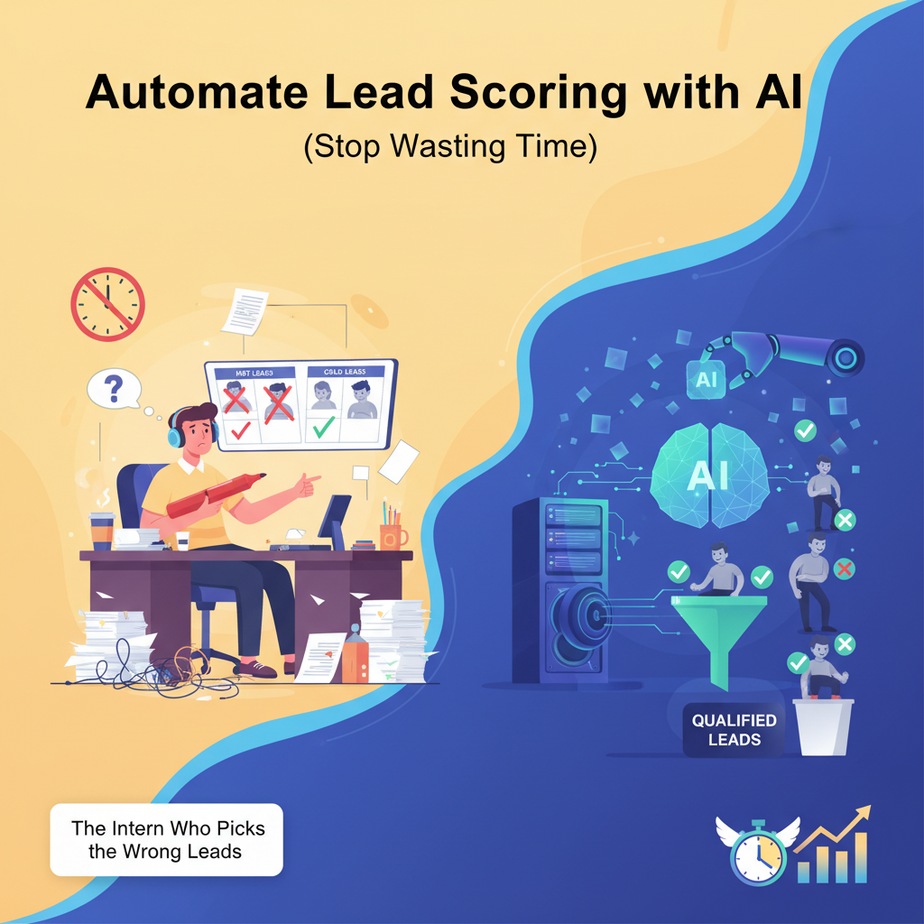
The Intern Who Picks the Wrong Leads
You hire a new intern for your sales team. Their job? Sort through 100 leads every morning and flag the “hot” ones. Fast forward three weeks: your best salespeople are complaining they’re talking to tire-kickers, while high-value prospects are rotting in the inbox. The intern is overwhelmed, tired of being yelled at, and honestly, they’re just guessing based on gut feeling.
This isn’t just annoying—it’s a revenue killer. Every minute spent chasing a bad lead is a minute not spent closing a deal with a good one.
Why This Matters (The Money Talk)
Manual lead scoring is like trying to find a needle in a haystack while wearing oven mitts. You’re inefficient, inconsistent, and burning money. An automated AI lead scoring system is your high-speed metal detector. It:
- Triple productivity: Your sales team only talks to leads with the highest score
- Improves conversion rates: Better targeting = more closes
- Eliminates bias: AI doesn’t care if a lead has a fancy title or uses Comic Sans in their email
- Scales instantly: Whether you have 10 leads or 10,000, it processes them in minutes
This replaces the manual sorting intern and the chaotic spreadsheet dashboard.
What This Actually Is (No Hype, Just Facts)
An AI lead scoring system is a workflow that analyzes your existing customer data, identifies patterns between “bad” and “good” leads, and assigns a score to new prospects based on those patterns.
It does NOT:
- Make your coffee
- Predict the future
- Guarantee a sale
It DOES:
- Learn from your past successes and failures
- Rank new leads automatically
- Integrate with your CRM to update lead status
Prerequisites (Don’t Panic)
You need:
- A Google account (for Google Sheets and BigQuery)
- A basic understanding of your sales data (what makes a lead “good”?)
- Comfort with clicking through a user-friendly interface
That’s it. No PhD in data science required. If you can use Excel, you can build this.
Step-by-Step Tutorial: Build Your Lead Scoring Engine
Step 1: Gather Your Data
Your AI needs to learn what a good lead looks like. Export your closed deals (won and lost) from your CRM into a Google Sheet. Include columns like: industry, company_size, budget_verified, demo_booked, time_to_close, and deal_won.
Step 2: Set Up Google Cloud for Machine Learning
Go to Google Cloud Console, create a new project, and enable the BigQuery and BigQuery ML APIs. This gives you access to powerful machine learning tools without writing complex code.
Step 3: Load Your Data into BigQuery
Upload your Google Sheet to BigQuery. Let’s call the dataset lead_scoring_db and the table closed_deals.
Step 4: Train Your Model with a Single SQL Command
This is where the magic happens. You’re telling BigQuery ML: “Here’s my history of leads—learn which ones converted.”
CREATE OR REPLACE MODEL `lead_scoring_db.lead_classifier`
OPTIONS(
  model_type = 'LOGISTIC_REG',
  input_label_cols = ['deal_won']
) AS
SELECT
  industry,
  company_size,
  budget_verified,
  demo_booked,
  time_to_close,
  deal_won
FROM `lead_scoring_db.closed_deals`
What this does: It uses logistic regression (fancy math for “yes/no” predictions) to find patterns between your lead features and whether they became customers.
Step 5: Test Your Model
Before trusting it, evaluate its accuracy:
SELECT * FROM ML.EVALUATE(MODEL `lead_scoring_db.lead_classifier`)You’ll get metrics like precision and recall. If precision is 0.85, that means 85% of leads your model scores as “good” actually are. That’s your intern’s dream accuracy.
Step 6: Score New Leads Automatically
Now, connect this to your live pipeline. When a new lead enters your system, use this query to score it:
SELECT
  lead_id,
  predicted_probability(ML.PREDICT(MODEL `lead_scoring_db.lead_classifier`, *), 1) AS lead_score
FROM `lead_scoring_db.new_leads`
This returns a probability score (0 to 1) for each new lead. Higher score = higher chance of closing.
Step 7: Automate with Cloud Functions
Create a Cloud Function that triggers whenever a new lead is added to your CRM (via webhook). The function runs the scoring query above and updates the lead’s score in your CRM automatically.
Complete Automation Example: The Sales Pipeline Refinery
Scenario: “Enterprise Software Co” gets 200 new leads weekly. They used to assign all leads equally, drowning their best reps in low-value conversations.
Automation Workflow:
- New lead form submitted → Lead enters HubSpot
- HubSpot webhook triggers Cloud Function
- Cloud Function sends lead data to BigQuery ML model
- Model returns score (e.g., 0.78)
- Cloud Function updates HubSpot with score and tags: “High Potential”
- High-potential leads (score > 0.7) get assigned to senior reps within 5 minutes
- Low-potential leads (score < 0.3) go into nurturing campaign
Result: Senior reps spend 40% more time closing deals, not chasing ghosts. Conversion rates jump from 2% to 5%.
Real Business Use Cases (Beyond the Obvious)
1. Real Estate Agency
Problem: Agents waste hours showing homes to unqualified buyers.
Solution: Score leads based on budget, location specificity, and pre-approval status. Agents only show homes to leads with score > 0.75.
2. E-commerce Marketing Agency
Problem: Retargeting campaigns spend budget on window shoppers.
Solution: Score website visitors by pages visited, time spent, and cart abandonment. Send personalized offers to high-scoring visitors only.
3. Legal Firm
Problem: Consultation calls take 30 minutes, but only 1 in 10 leads hires the firm.
Solution: Score based on case complexity, urgency, and initial questions. Prioritize consultations for high-value cases.
4. SaaS Startup
Problem: Free trial users never convert to paid.
Solution: Score trial users by feature usage, session frequency, and support tickets. Identify which users need a sales call.
5. Recruitment Agency
Problem: Screened resumes still result in poor interview performance.
Solution: Score candidates against successful hires’ attributes (skills, experience, assessment scores).
Common Mistakes & Gotchas
Mistake 1: Garbage In, Garbage Out
If your historical data is bad (inconsistent labeling, missing fields), your model will be useless. Clean your data first.
Mistake 2: Overfitting
Training on too few examples makes your model too specific to past data. You need at least 200 closed deals for reliable predictions.
Mistake 3: Ignoring Context
A lead from a Fortune 500 company might score lower than a startup if your model focuses only on company size. Always review scores manually first.
Mistake 4: Set It and Forget It
Markets change. Retrain your model quarterly with fresh data to maintain accuracy.
How This Fits Into Your Automation Ecosystem
Lead scoring isn’t a standalone system—it’s the intelligence layer of your sales stack:
- CRM Integration: Scores trigger automation rules (assign leads, send emails)
- Email Marketing: High-score leads get premium nurturing sequences
- Voice Agents: Low-score leads get an AI phone screening before human involvement
- Multi-Agent Workflows: Score leads → Route to specialized agents → Automate follow-ups based on score tiers
- RAG Systems: Use lead scores to pull relevant case studies during sales calls
Think of it as the traffic controller of your revenue pipeline. It decides who gets the fast lane and who gets the scenic route.
What to Learn Next (The Next Piece of the Puzzle)
Now that you know how to score leads, the next lesson is about Automated Lead Nurturing with AI Email Sequences. Because scoring is useless without follow-up.
Imagine this: your model scores a lead at 0.85—instead of manually writing an email, you’ll set up an AI that generates personalized outreach based on the lead’s industry, pain points, and your successful past conversations.
You’re building an automated sales team. One lead at a time.
Catch you in the next lesson.
“,
“seo_tags”: “ai lead scoring, sales automation, business automation, beginner ai, machine learning, lead generation, automation course”,
“suggested_category”: “AI Automation Courses