
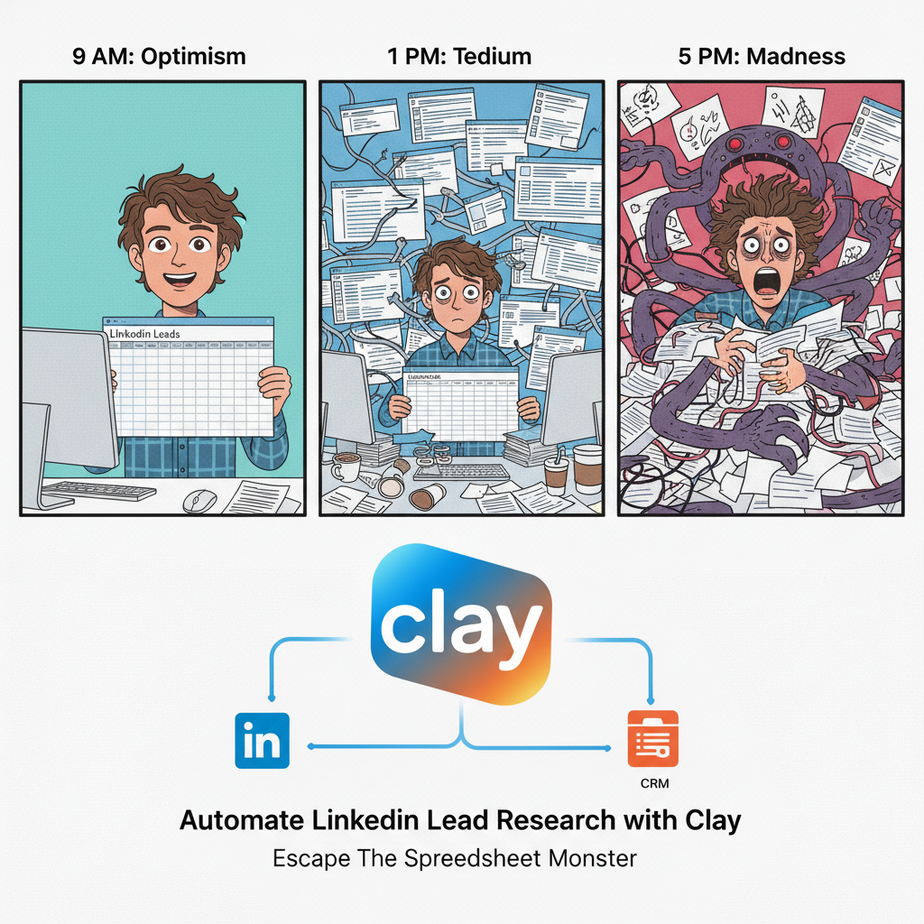
The Intern, The Spreadsheet, and The Slow Descent Into Madness
Picture this. It’s 9 AM on a Monday. You’ve just hired a bright-eyed intern named Chad. His mission, should he choose to accept it, is to build a lead list of 500 VPs of Marketing. His tools? A LinkedIn Sales Navigator account and a Google Sheet. By noon, Chad’s eyes are glazed over. The rhythmic click-clack of his copy-pasting is the only sound in the office. By Friday, Chad has quit to become a freelance pottery instructor. His spirit, much like your lead list, is broken and incomplete.
We’ve all been Chad. Or we’ve hired a Chad. We’ve all stared at that soul-crushing spreadsheet, knowing there has to be a better way. This manual process is not just slow; it’s a factory for human error, missed opportunities, and carpal tunnel syndrome. Today, we’re tearing down that factory and building a new one—an automated, intelligent system that does the work of 100 Chads before you’ve had your morning coffee.
Why This Matters: Your Business Isn’t a Charity for Manual Labor
Let’s be brutally honest. Manually researching leads is a low-leverage activity. It’s the digital equivalent of digging a ditch with a spoon. The business impact of automating this is not just about ‘saving time.’ It’s about a fundamental shift in how you operate.
From Scarcity to Abundance: Instead of scraping together 20 half-baked leads a day, you can generate 200 hyper-relevant, fully-enriched leads. This means your pipeline is never empty.
From Generic to Personal: Automation isn’t about sending robotic spam. It’s about using AI to gather deep intelligence (like recent company news or a prospect’s tech stack) to craft messages that are impossible to ignore. You save time on the research so you can spend it on the relationship.
From Cost Center to Profit Engine: Every hour you or your team spends copy-pasting is an hour not spent selling, building, or strategizing. Automating lead research turns a time-sucking cost into a streamlined process that directly fuels revenue. You’re building an asset, a machine that prints qualified leads.
What This Tool Actually Is: The Data Factory Assembly Line
We’re going to use a tool called Clay. Don’t think of it as just another spreadsheet. That’s like calling a Formula 1 car ‘a vehicle with wheels.’
Clay is a data automation platform. Imagine an assembly line. You drop a raw material at the start (like a person’s LinkedIn profile), and it moves down the line through different stations. One station finds their email address. The next finds their company’s funding info. Another uses AI to read their company’s blog and write a personalized compliment. At the end of the line, you get a finished product: a perfect, ready-to-contact lead.
It combines the simplicity of a spreadsheet with the power of dozens of APIs and AI models, all without you having to write a single line of code. It’s the factory, the workers, and the quality control manager all rolled into one.
Prerequisites: What You TRULY Need to Get Started
I don’t sell dreams here; I teach systems. Let’s be upfront about what you’ll need.
- A Clay Account: They have a free tier to get you started. Go sign up. Seriously, do it now. I’ll wait.
- A LinkedIn Account: A regular one works, but for serious business, you need Sales Navigator. Don’t cheap out on this. It’s the high-quality iron ore for your factory. Bad inputs = bad outputs.
- A Brain for Systems: You don’t need to code, but you do need to think in steps. If I do A, then B happens. If B is true, do C. That’s all automation is.
- A Business Problem: Don’t just follow along. Have a real goal. “I need to find 50 startup CTOs in New York” is a great start.
Step-by-step Tutorial: Building Your First Lead Generation Machine
Our mission: We’ll build a list of VPs of Marketing at US-based B2B SaaS companies. Then, we’ll find their work emails and use AI to write a personalized opening line based on their company’s latest news. Let’s build.
Step 1: Set Up Your Assembly Line (Create a New Table)
In Clay, create a new table from scratch. This is your factory floor. Let’s create some empty columns to hold our data as it comes through the line. You don’t have to do this, but it keeps things organized.
Your columns should be: Full Name, Title, Company Name, LinkedIn Profile URL, Company Domain, Verified Work Email, and AI Opening Line.
Step 2: Find Your Raw Materials (Importing Leads from LinkedIn)
Instead of manually finding people, we’ll tell Clay to do it for us.
- Click the “Find People” button in your empty table.
- Choose the “Find People from LinkedIn Search” option. This is where the magic starts.
- In the search criteria, enter the following:
- Job Title: `”VP of Marketing” OR “Vice President of Marketing”`
- Company Keywords: `B2B SaaS`
- Location: `United States`
- Set the number of results you want. Let’s start with 25 to see how it works.
- Click “Start Search.” Go grab a coffee. Clay’s little robots are now scouring LinkedIn for you. When it’s done, you’ll have a table full of promising leads, complete with their names, titles, and LinkedIn URLs.
Step 3: The First Station – Finding the Golden Ticket (Email)
A name is nice, but an email is what we need. We’re going to use an “Enrichment” to find it.
- Add a new column and select “Enrich Data.”
- In the integrations list, search for and select “Find Work Email.” This is a special Clay feature called a “waterfall,” which means it tries multiple different email-finding services in a row until it gets a hit. This is WAY more powerful than using a single tool.
- For the inputs, Clay will ask for the person’s Full Name and their Company Name. Map these to the columns we already have (`Full Name` and `Company Name`).
- Run the enrichment for all your rows. Watch as Clay starts populating your table with verified email addresses. Not every single one will be found, and that’s normal. But you’ll get a success rate that would have taken Chad a week to achieve.
Step 4: The AI Genius Station – Crafting the Perfect Opener
This is where we go from a simple list to a weapon of mass connection.
- Create another new column. This time, choose “Use AI.”
- This opens a prompt window. We’re going to give the AI a very specific job.
- In the prompt box, we’ll tell the AI exactly what to do. Use the company’s domain (which Clay usually finds automatically) to look for news. Here is a prompt you can copy and paste directly:
Given the company name "{{Company Name}}", browse their website ({{Company Domain}}) or search the web for a recent positive announcement, blog post, or piece of news from the last 3 months.

Based on what you find, write a single, exciting, and slightly informal opening line for an email to their VP of Marketing. The line should congratulate them or show genuine interest in the news.

Example: "Just saw the announcement about your new integration with Salesforce - that's a game-changer for your users!"

If you absolutely cannot find any recent news, just write: "No recent news found."
- See those `{{Company Name}}` bits? That’s how you use data from your table in the prompt. Just type `@` and select the column you want to reference.
- Run the AI on all your rows. In a few minutes, you’ll have a custom, relevant, and human-sounding opening line for every single lead.
Step 5: The Finished Product
Look at your table. You now have a list of high-value contacts, their verified emails, and an opening line that shows you’ve done your homework. You built this in 15 minutes. Chad is still trying to figure out which pottery wheel to buy.
Real Business Use Cases (This is just the beginning)
- Hyper-Personalized Sales Outreach: The exact workflow we just built. Instead of a generic “Hi, I sell X,” you can lead with, “Congrats on the new Series B funding! As you scale your engineering team…”
- Automated Recruiting: Find 50 senior software engineers who previously worked at Google. Use AI to scan their personal GitHub or blog for a recent project and generate an opening line like, “Your recent post on Rust for data pipelines was brilliant…”
- Fundraising & Investor Relations: Build a list of partners at VC firms. Enrich their data to find portfolio companies in your industry. Your opening line: “I’ve been following your investment in [Portfolio Company] and see a lot of parallels with what we’re building at [Your Company]…”
Common Mistakes & Gotchas (Read This or Suffer)
- Vague LinkedIn Searches: Garbage in, garbage out. If your initial search is lazy (“marketing”), your results will be useless. Be specific with titles and keywords.
- Trusting AI Blindly: The AI is an incredibly smart intern, not a flawless genius. Always spot-check the generated lines. Sometimes it hallucinates or sounds a bit… weird. A quick human review is essential before you press ‘send’.
- Ignoring Credit Costs: Enrichments and AI runs cost credits in Clay. This is a good thing—you’re paying for value, not time. But be mindful. Run tests on a small batch of leads (10-20) before you run a job on 1,000.
- Not Using Waterfalls: For critical data like emails, always use Clay’s built-in waterfall enrichments. Relying on a single provider is a rookie mistake.
How This Fits Into a Bigger Automation System
What we built is the Research & Intelligence Department of your automation empire. It’s a critical, but first, step. A list sitting in Clay doesn’t make you money. It needs to connect to the rest of the factory.
A complete system looks like this:
Clay (Lead Research & Personalization) –> Smartlead/Instantly.io (Automated Email Sending) –> HubSpot/Pipedrive (CRM for Managing Replies)
Clay finds and prepares the leads. The email tool sends the personalized sequences. The CRM manages the conversations that come back. When these three are connected, you have a fully autonomous sales development machine.
What to Learn Next
Congratulations. You’ve built a machine that turns a LinkedIn search into pure gold. But right now, that gold is just sitting in a vault. It’s valuable, but it’s not *working* for you.
What if we could take our perfect, AI-personalized lead list and automatically send out the emails, without ever hitting ‘export to CSV’? What if the moment a new lead was found and enriched, a personalized email was already on its way?
In the next lesson, we’re doing exactly that. We’re connecting our Clay factory directly to an outbound email platform using webhooks. We’re going to build the final piece of the puzzle and create a system that finds, researches, and contacts leads while you sleep. Prepare to make Chad’s pottery business look like a very poor career choice.
“,
“seo_tags”: “Clay automation, LinkedIn lead generation, AI sales automation, lead research, find work emails, personalized outreach, sales automation tutorial”,
“suggested_category”: “AI Automation Courses