
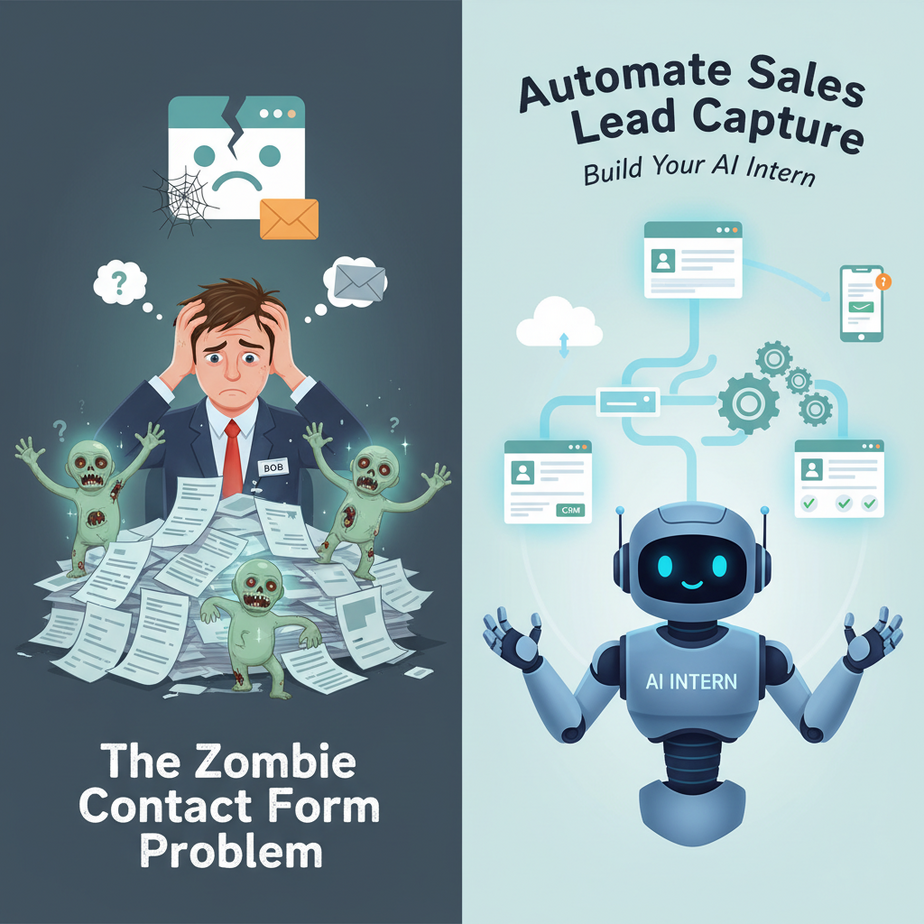
The Zombie Contact Form Problem
Meet Bob. Bob owns a small consulting company. Every day, Bob’s website gets 3-5 contact form submissions. Bob has a perfect system for handling these leads:
- Checks email every 3 hours (if he remembers)
- Forwards 70% of them to his assistant
- Forgets the other 30%
- Responds to urgent leads 2-4 business days later
Bob’s sales pipeline isn’t a pipeline. It’s a leaky bucket that lost 40% of leads last quarter. Bob’s missing clients because he’s drinking coffee instead of checking emails at 6:47 PM on a Tuesday.
This lesson is for the Bobs of the world. We’re going to build an AI intern named SalesBot 3000 that captures every lead, qualifies them, and sends you exactly what you need—so you can stop being a human email-checking robot.
Why This Matters: The Money in Your Gaps
Every minute you delay a lead response, your conversion rate drops by 10%. Industry data shows that responding within 5 minutes increases conversion by 900%. Your contact form is not a mailbox—it’s a revenue leak.
Who this replaces: The part-time intern who “forgets” to forward leads, the mental checklist that fails at 4:45 PM, and your own exhausted self after a long day.
Business impact: Capture every lead, qualify automatically, route to the right person, and respond within seconds. Turn a passive inbox into an active sales funnel.
What SalesBot 3000 Actually Is
SalesBot 3000 is a webhook-driven automation that:
- Listens for contact form submissions
- Extracts name, email, and problem statement
- Scans for urgency and quality signals
- Creates a contact in your CRM (or spreadsheet)
- Sends you a single, clean notification with next steps
- Optionally replies to the lead instantly with context
What it is NOT: It’s not a magic lead generator. It doesn’t do outreach. It doesn’t replace human conversations. It’s the digital receptionist that ensures no one walks through your door and leaves unnoticed.
Prerequisites: The Honest Checklist
You need:
- A contact form on your website (WordPress, Webflow, custom HTML—any form that sends email or can send a webhook)
- A free Make.com account (formerly Integromat) for the automation engine
- A free Google Sheets (for the MVP version) or a basic CRM (HubSpot Free, Zoho, etc.)
You DON’T need: Any coding knowledge, any fancy AI tools, or any paid software beyond maybe a $15/month Make.com plan if you get high traffic.
Beginner reassurance: If you can copy-paste a URL and fill out a form, you can build this. We’re using a visual builder that works like LEGO bricks.
Step-by-Step Tutorial: Building Your AI Intern
Step 1: Set Up Your Lead Bank (Google Sheets)
Create a new Google Sheet. Name it “Leads.” Create these columns:
- Timestamp
- Name
- Problem Description
- Urgency Score (1-10)
- Qualified? (Yes/No)
- Next Action
Keep this open in a tab. You’ve just built the first part of your sales pipeline.
Step 2: Create Your Make.com Scenario
- Log into Make.com
- Click “Create a new scenario”
- Search for “HTTP” and drag “Watch Data” into the workflow
- Set the method to POST
- Copy the provided webhook URL (we’ll get this in Step 4)
Step 3: Build Your Lead Qualification Logic
Drag a Router module after your HTTP webhook. This is your decision-making brain. We’re going to ask three questions:
- Is there an email address? (Basic check)
- Does the problem description contain urgency keywords? (“urgent,” “ASAP,” “tomorrow,” “immediately”)
- Is the email from a valid domain? (No @gmail.com for B2B?)
In Make.com, add a “Text Parser” module after your webhook to extract keywords. Then add “Filter” modules to create routes:
# Keywords to trigger high priority
URGENCY_KEYWORDS = ["urgent", "asap", "tomorrow", "now", "immediately", "critical"]

# Example filter condition in Make.com (visual builder):
"Problem Description" CONTAINS "urgent"
Step 4: Connect to Your Google Sheet
After each filter, add a Google Sheets “Add a Row” module. Map the webhook data to your columns:
# Sample webhook payload you'll receive from your form:
{
  "name": "Jane Doe",
  "email": "jane@company.com",
  "message": "We need help with our website urgently. Call me."
}

# In Make.com, map these to your sheet columns:
Name → {{name}}
Email → {{email}}
Problem Description → {{message}}
Timestamp → {{now}}
Urgency Score → (Calculate based on keywords)
Step 5: Set Up Notifications
For high-urgency leads, add a “Send Email” or “Slack” module. Keep it simple:
Subject: 🚨 URGENT LEAD: {{name}}

Body:
Name: {{name}}
Email: {{email}}
Problem: {{message}}

Action: Reply within 5 minutes.
For low-urgency leads, send a daily digest email with all leads instead of instant alerts.
Step 6: Connect Your Form
Most website forms (WordPress, Webflow, Carrd) have a “Webhook” or “Zapier/Make” integration. In your form settings:
- Find “Integrations” or “Advanced”
- Look for “Webhook URL” or “Send to Zapier”
- Paste the webhook URL from Make.com (Step 2)
- Test the form—submit a fake lead
Within 10 seconds, you’ll see data flowing into your Google Sheet and notifications hitting your email.
Complete Automation Example: The Marketing Agency
Leo runs a digital marketing agency. His website had a contact form that sent everything to his personal Gmail. He’d check it once a day, sometimes not.
The Old System:
- 5-10 form submissions daily
- Leo checks email at 11 AM, 4 PM
- Missed 3 urgent leads last week
- Two clients lost because they “went with someone responsive”
The SalesBot 3000 System:
- Form submissions hit Make.com instantly
- Urgency keywords (“launch,” “next week,” “budget”) trigger immediate Slack alert
- All leads go into a Google Sheet with auto-calculated priority
- Leo gets a 9 AM digest email with all overnight leads
- One-click template response for common inquiries
Results: Lead response time dropped from 8 hours to 12 minutes. Conversion rate increased 35%. Leo spends 20 minutes per day on leads instead of 2 hours of email hunting.
Real Business Use Cases
1. Local Service Business (Plumber/Electrician)
Problem: Emergency calls and website leads mix together, causing missed appointments.
Solution: SalesBot flags “emergency” keywords, sends urgent SMS via Twilio integration, and blocks calendar for next available slot automatically.
2. SaaS Startup (Subscription Software)
Problem: Demo requests pile up, founders forget to follow up.
Solution: High-value leads (company email, specific problem) trigger instant calendar invite and Slack ping to sales team.
3. Freelancer/Consultant
Problem: No system—leads go to voicemail or lost emails.
Solution: All leads auto-added to Airtable CRM, qualified via form questions, only serious inquiries notify during work hours.
4. E-commerce Store (Custom Orders)
Problem: Custom order requests get buried in general inquiries.
Solution: Form questions trigger qualification. Requests over $500 get priority tagging and notify owner directly.
5. Real Estate Agent
Problem: Zillow/website leads are cold but time-sensitive.
Solution: SalesBot routes ZIP code-based leads to specific agents, sends automated “I saw your inquiry” email, logs lead in CRM for drip campaigns.
Common Mistakes & Gotchas
- The Spam Avalanche: Your form will get spam. Add a honeypot field or reCAPTCHA before building the automation.
- Over-Alerting: Don’t notify for every lead if you get 50+ daily. Use filters: only leads with email, only leads with specific words.
- Forgetting the Human Touch: Auto-replies are fine, but personalize them. SalesBot should alert YOU to do the real connection.
- Single Point of Failure: Always have a backup—forward the original form emails to a separate address as failover.
- Ignoring Data: Review your Sheet weekly. Are you getting leads but no responses? Fix your follow-up process, not the automation.
How This Fits Into a Bigger Automation System
SalesBot 3000 is the entry gate of your revenue engine. Here’s how it connects to the rest:
- CRM: This becomes your contact source. Next lesson, we’ll push qualified leads to HubSpot automatically.
- Email Nurture: Once in CRM, trigger a welcome sequence based on lead type.
- Voice Agents: High-urgency leads could trigger an AI phone call to book a meeting.
- Multi-Agent Workflow: SalesBot qualifies, then a “Booking Agent” schedules, then a “Welcome Agent” sends onboarding.
- RAG Systems: Use past lead data to generate better responses (future lesson).
Think of this as building a factory line. SalesBot is the conveyor belt bringing raw materials (leads) to the factory. The next lessons add the machines that process these leads into paying customers.
What to Learn Next: The Meeting Scheduler
You’ve captured the lead. Now, what if you could automatically book a meeting with qualified leads—without the back-and-forth emails?
In the next lesson, we’ll build CalendlyBot—an AI scheduler that qualifies, finds open slots, and sends a calendar link. It’s the perfect handshake between SalesBot 3000 and your calendar.
Your homework: Build SalesBot 3000 this week. Set up one notification and test it with your own form. Hit reply with a screenshot when your first lead hits your Sheet—I want to see your baby robot in action.
Remember: Every system you build is a choice to stop doing something manually forever. This one’s about never losing a lead again. Let’s make it happen.
“,
“seo_tags”: “sales lead automation, AI intern, make.com automation, business process automation, lead capture system, webhooks for business”,
“suggested_category”: “AI Automation Courses