
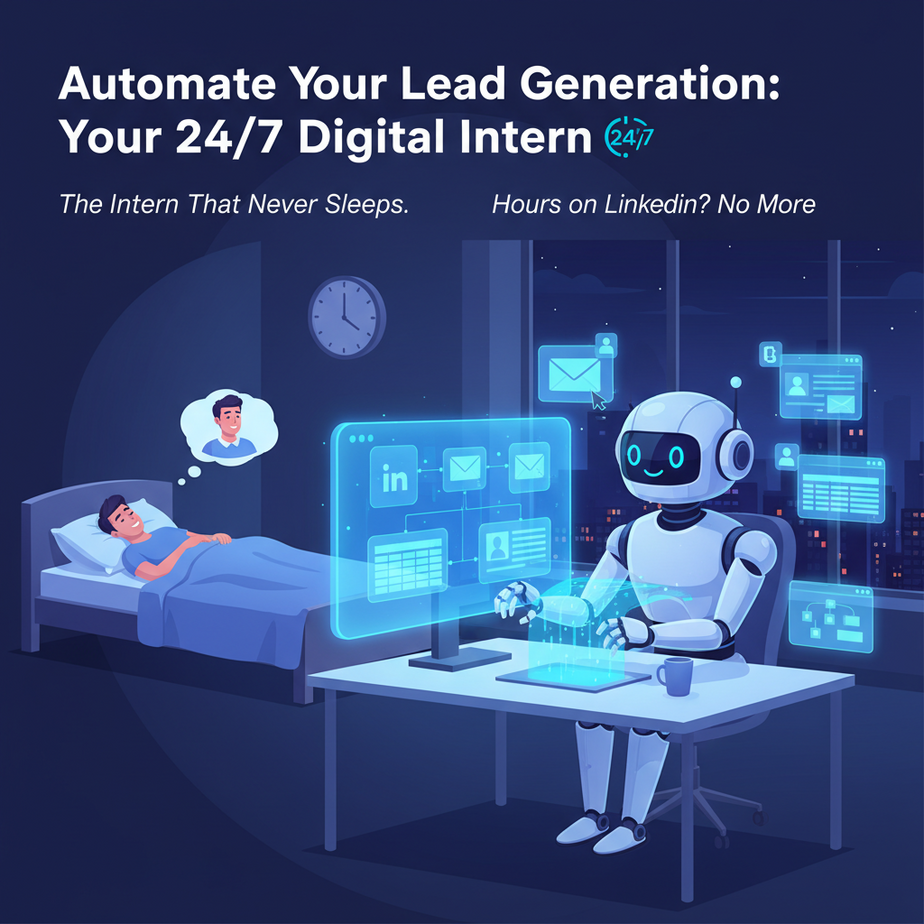
The Intern That Never Sleeps
Imagine it’s Monday morning. You need leads for your business. The old way? Hours on LinkedIn, copying names to a spreadsheet, writing 50 almost-identical emails, and praying someone replies. By lunch, you’ve burned half your week for maybe three responses. It’s a dread parade.
What if you had an intern who never got tired, never complained, and whose entire job was to scan the digital landscape for your perfect prospects, collect their details, and hand you a pristine, organized list every morning? That’s what we’re building today. This isn’t hype; it’s your new 24/7 lead-gen machine.
Why This Matters: Time is Your Only Non-Renewable Asset
This automation replaces 5-10 hours of mind-numbing, repetitive work each week. It scales where a human can’t—you can have it monitor 100 profiles a day or 10,000. It’s about replacing manual data entry with intelligent collection, giving you back time to actually close deals. For small businesses, it’s the difference between cold-calling randomly and having a warm pipeline.
What This Automation Actually Is
What it is: A sequence of automated steps where an AI tool (like Apify or Browse AI) is given a simple instruction, e.g., “Find all Marketing Directors at SaaS companies in Austin, Texas.” The AI navigates a website (like LinkedIn), extracts the target data (Name, Title, Company, Email), and formats it for you. It’s a focused web scraper with a friendly interface.
What it is NOT: It’s not magic. It won’t write deeply personal emails for you (though we’ll teach that next). It’s also not a spam machine; ethical use is about targeting relevant, public profiles. It won’t break into protected servers or find private emails.
Prerequisites
Brutal honesty: You need zero coding skills. If you can copy a line of text and click a button, you can do this. You’ll need an account on a cloud automation platform. Today, we’ll use Apify as our example—it’s a powerful library of pre-built “Actors” (automation scripts). It’s beginner-friendly, has a free tier, and requires no setup on your machine. You’ll also need a specific LinkedIn Sales Navigator URL for best results (but we can start with a basic LinkedIn search).
Step-by-Step Tutorial: Your First Lead Scraper
Let’s build our pipeline. We’ll use Apify’s LinkedIn Search Scraper Actor.
- Sign Up & Explore: Go to Apify.com, create a free account. It’s like creating an account for any SaaS tool.
- Find the Tool: In the Apify Store, search for “LinkedIn Search Scraper.” This is our pre-built automation robot. Click “Run.”
- Configure Your Target: This is the key. You’ll see input fields. The most important one is the
Search URL.- How to get this: Go to LinkedIn. Search for “Marketing Director” in the “People” tab. Apply your filters (Location, Industry). Once your search is perfect, copy the entire URL from your browser’s address bar. Paste this into the Search URL field in Apify. This tells the bot: “Follow this exact recipe to find my prospects.”
- Optional: You can set
maxResultsto something small (like 10) to test.
- Run the Actor: Click the big green “Start” button. You’ll see a progress log. This is your intern, silently working in the cloud. It may take a few minutes.
- View Your Data: Once done, click “Results.” You’ll see a pristine list of profiles. You can export this as CSV or JSON. Your first automated lead list is born.
Complete Automation Example: The Weekly Lead Feed
Now, let’s make this systematic. We’ll create a workflow that runs every Monday at 9 AM and delivers you a fresh list. This uses Apify’s Schedules feature.
- Create a New Task: In your Apify dashboard, click “Create new task.” Select the LinkedIn Search Scraper.
- Set the Schedule: In the task settings, find the “Schedule” section. Choose “Recurring” and set it to run every Monday at 09:00 AM. This is the automation’s heartbeat.
- Parameterize Your Search: Instead of one hard-coded URL, we can use a simple filter in the Actor’s input. Let’s say we want leads in “San Francisco” for “SaaS companies”. We’ll create a base search and configure it to refresh the results.
- Automate the Delivery (Advanced): After the run completes, we can set an Outcome to email the CSV to you. To do this, add a “Webhook” in the Apify task. Point it to an automation tool like Zapier or Make.com.
Zapier Trigger: Apify New Actor Run -> Action: Email You The ResultsThis connects your scraper to your inbox. Every Monday, you get a file. Done.
- The Code Block (Copy-Paste Ready for Zapier):
If you use Make.com (Integromat), you’d create a scenario:
- Trigger: Watch Apify Actor (New Item Available)
- Process Data (Optional): Filter for specific titles.
- Action: Send an email (Gmail/Outlook) with the CSV attachment.
Real Business Use Cases
- The Digital Marketing Agency: Problem: Need new local business clients (e.g., dentists, law firms). Solution: Run a daily search for “Dentist” in “Chicago, IL” and export the list. Use the data to personalize cold emails or social campaigns.
- The SaaS Startup Founder: Problem: Needs beta testers in a specific niche (e.g., “Product Managers at Fintech companies”). Solution: Scrape LinkedIn for that profile, then automate the first outreach email.
- The Freelance Recruiter: Problem: Manual sourcing for client jobs. Solution: Automate the hunt for “Senior Python Developers” for a remote client. Saves 15+ hours per week.
- The Event Planner: Problem: Finding speakers and attendees for a conference. Solution: Scrape relevant industry professionals from LinkedIn and build a target list for personalized invites.
- The E-commerce Store Owner: Problem: Need influencers for product collaborations. Solution: Search for “Lifestyle Influencers” in a niche and collect handles/profiles for outreach.
Common Mistakes & Gotchas
- Getting Blocked: LinkedIn is strict. Overloading a single search can trigger blocks. Apify handles much of this, but don’t scrape 5,000 profiles at once. Start small.
- Garbage In, Garbage Out: A poorly crafted LinkedIn search URL will yield irrelevant results. Master your LinkedIn filters first. Your intern is only as good as its instructions.
- Ignoring Compliance: Never use the data for spam. Always follow CAN-SPAM/ GDPR rules. This is for targeted, value-first outreach.
- The “Set and Forget” Trap: Markets change. Your ideal customer might shift. Review and update your search parameters monthly.
How This Fits Into a Bigger Automation System
This lead scraper is the first stage of a massive pipeline. Think of it as the intake valve on an assembly line. Here’s how it connects to our broader course:
- Stage 1 (You Are Here): Data Collection (Scraping the lead list).
- Stage 2 (Next Lesson): Enrichment. We’ll use an AI tool to find their email addresses and company revenue data.
- Stage 3 (CRM Integration): Pipe the clean data directly into HubSpot or a Google Sheet, tagging leads as “New/Hot/Warm.”
- Stage 4 (Automated Outreach): Use another automation (like Instantly or a custom GPT-4 script) to generate and send personalized emails based on their profile.
- Stage 5 (Voice Agent Follow-up): Imagine a voice AI calling them for a quick qualification call. This scraper feeds that system.
This single automation is the foundation of a multi-agent system that could run your entire top-of-funnel sales operation.
What to Learn Next
You’ve just hired your first digital employee. It found leads. Now, how do we reach them effectively without sounding like a robot? In our next lesson, “The Email Alchemist: Turning Raw Lead Data into Personalized Outreach,” we’ll build a system that reads a scraped profile and writes a compelling, unique first email in seconds. We’ll connect our scraper (from today) to an AI writing assistant, creating a seamless lead-to-outreach pipeline.
You’re not just learning tools; you’re building a business brain. Keep building.
“,
“seo_tags”: “AI Automation, Lead Generation, Business Automation, Apify, LinkedIn Scraper, Sales Process, Zapier, No-Code”,
“suggested_category”: “AI Automation Courses