
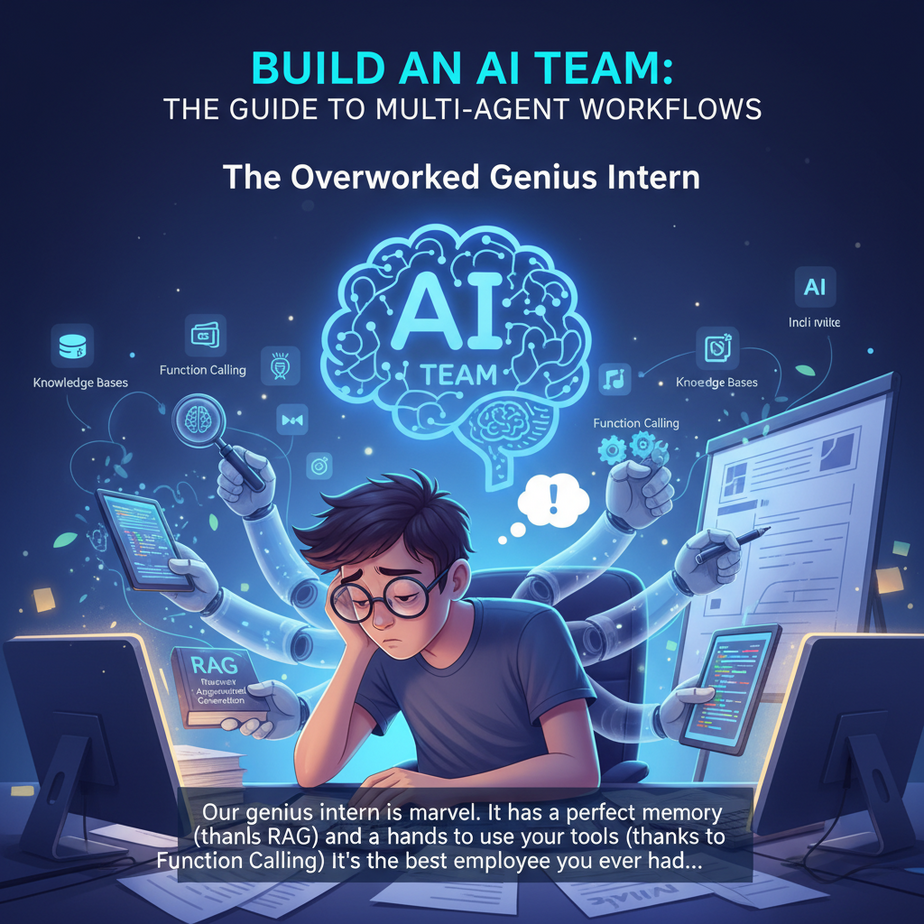
The Overworked Genius Intern
Our genius intern is a marvel. It has a perfect memory (thanks to RAG) and hands to use your tools (thanks to Function Calling). It’s the best employee you’ve ever had. So you give it a real project.
“Okay,” you say, “I need a full market analysis report on the artisanal dog food industry. Find the top 5 competitors, summarize their marketing strategies, write a 500-word blog post on the findings, and draft a tweet about it.”
The intern’s metaphorical circuits start to smoke. It can *do* all those things, but not at once. It’s like asking a world-class chef to also design the menu, wait the tables, wash the dishes, and file the restaurant’s taxes. The sheer context-switching is overwhelming. The quality drops. The process is clunky and slow.
You haven’t built an automation engine; you’ve built a single, overworked employee on the fast track to burnout. The problem isn’t the worker; it’s the workflow. You don’t need a better intern. You need a team.
Why This Matters
This is the leap from automating *tasks* to automating entire *processes*. A single agent can answer a question. A team of agents can run your entire content marketing pipeline. This is how you build an autonomous system that creates real, tangible business assets while you sleep.
- Business Impact: Automate complex, multi-step operations that currently require a team of humans, meetings, and project management software. Think lead generation, custom report writing, software testing, and more.
- Replaces: The project manager chasing status updates. The endless email chains handing work from one person to the next. The operational chaos of coordinating a team to get from a simple idea to a finished product.
When you master this, you stop being an AI user and become an AI architect. You’re no longer giving out tasks; you’re designing the factory floor.
What This Tool / Workflow Actually Is
Welcome to the world of Multi-Agent Workflows. Forget the sci-fi image of one giant, all-knowing AI. The reality of effective automation is much more like a well-run company: a team of specialists, each with a specific job, working together towards a common goal.
Here’s the blueprint:
- Specialist Agents: You create several distinct AI agents. One is a Researcher. Another is a Writer. A third is a Critic. Each has its own specific prompt and tools.
- A Shared Workspace (State): All agents work off a shared project file or ‘state’. The Researcher adds their findings to it, the Writer reads those findings and adds a draft, and so on.
- A Workflow Graph (The Manager): You define the flow of work. After the Researcher is done, the project goes to the Writer. After the Writer is done, it goes to the Critic.
- Decision Points (Loops): This is the magic. The Critic can decide if the Writer’s work is good enough. If it is, the project is finished. If not, it gets sent *back* to the Writer for revisions. This creates feedback loops, just like a real team.
To build this, we’ll use a powerful library called LangGraph. It’s a tool specifically designed for creating these stateful, cyclical workflows. It’s the digital project manager for our AI team.
Prerequisites
You’ve come this far. This is the final exam, and you’re ready.
- Python 3 and an IDE: Our coding environment.
- OpenAI API Key: For our agent’s brains.
- Tavily API Key: We’ll use the Tavily search engine to give our Researcher real-time access to the internet. They have a generous free plan. Go to
tavily.comto get a key. - The necessary libraries: Open your terminal and run this one command.
pip install langgraph langchain_openai langchain tavily-pythonThis is where everything we’ve learned—LLMs, Function Calling, RAG—comes together.
Complete Automation Example
Let’s build that market analysis report generator. It will be a team of two agents: a Researcher and a Writer, orchestrated by LangGraph.
Step 1: Set up your file and API keys
Create a file named ai_team.py. It’s best practice to set your API keys as environment variables. For this lesson, you can just paste them in your code. Do not share this code publicly with your keys in it.
import os

# Replace with your actual keys
os.environ["OPENAI_API_KEY"] = "sk-..."
os.environ["TAVILY_API_KEY"] = "tvly-..."
Step 2: Define the Team’s Shared Workspace (The State)
Our agents need a common place to store their work. We define a ‘state’ object that will hold the topic, research notes, and the final report.
from typing import List
from typing_extensions import TypedDict

class ResearchTeamState(TypedDict):
    """A dictionary that holds the state of our workflow."""
    topic: str
    research_notes: str
    report: str
Step 3: Create Your Specialist Agents (The Nodes)
Each agent is just a Python function that takes the current state, performs its task, and returns the changes it made.
from langchain_openai import ChatOpenAI
from langchain_core.prompts import ChatPromptTemplate
from langchain_core.output_parsers.string import StrOutputParser
from tavily import TavilyClient

# The Researcher Agent
def researcher_node(state: ResearchTeamState):
    print("--- AGENT: Researcher ---")
    topic = state["topic"]
    tavily = TavilyClient()
    # This is a function call to a real tool!
    research_data = tavily.search(query=f"In-depth analysis of the {topic} market", max_results=5)
    # We'll just concatenate the content for simplicity
    notes = "\
\
".join([item["content"] for item in research_data["results"]])
    return {"research_notes": notes}

# The Writer Agent
def writer_node(state: ResearchTeamState):
    print("--- AGENT: Writer ---")
    notes = state["research_notes"]
    system_prompt = """You are an expert business analyst.
    Write a concise, professional report based on the provided research notes.
    The report should be well-structured, easy to read, and highlight the key findings."""
    prompt = ChatPromptTemplate.from_messages([
        ("system", system_prompt),
        ("user", "Research Notes:\
\
{notes}")
    ])
    llm = ChatOpenAI(model="gpt-4o", temperature=0)
    chain = prompt | llm | StrOutputParser()
    report = chain.invoke({"notes": notes})
    return {"report": report}
Step 4: Define the Workflow (The Graph)
Now we wire our agents together. This is where LangGraph shines. We tell it what our nodes are and in what order they should run.
from langgraph.graph import StateGraph, END

# Create a new graph
workflow = StateGraph(ResearchTeamState)

# Add the nodes (our agents)
workflow.add_node("researcher", researcher_node)
workflow.add_node("writer", writer_node)

# Define the edges (the workflow)
workflow.set_entry_point("researcher")
workflow.add_edge("researcher", "writer")
workflow.add_edge("writer", END) # End the workflow after the writer is done

# Compile the graph into a runnable object
app = workflow.compile()
print("AI Team workflow is compiled and ready!")
Step 5: Run the Automation!
Let’s give our AI team its first assignment.
# Run the workflow
inputs = {"topic": "artisanal dog food"}

# The .stream() method lets us see the output of each step as it happens
for output in app.stream(inputs):
    for key, value in output.items():
        print(f"Finished node: {key}")

# Get the final state
final_state = app.invoke(inputs)
print("\
--- FINAL REPORT ---")
print(final_state["report"])
Run this script. You’ll see the Researcher kick in, followed by the Writer. In the end, you’ll get a complete, well-researched report generated by your autonomous AI team. That’s a real business process, automated from start to finish.
Real Business Use Cases
This Researcher -> Writer pattern is a template for countless automations.
- Automated Sales Outreach: Agent 1 (Prospector) finds leads. Agent 2 (Company Researcher) researches them. Agent 3 (Email Writer) drafts a personalized cold email. A final human approval node sends it.
- Software Bug Triage: Agent 1 (Classifier) reads a bug report from a user. Agent 2 (Code Analyzer) examines the relevant code. Agent 3 (Report Writer) creates a detailed ticket in Jira with a suggested fix for the engineering team.
- Content Marketing Engine: Agent 1 (SEO Analyst) finds a keyword. Agent 2 (Outliner) creates a blog post structure. Agent 3 (Writer) writes the draft. Agent 4 (Critic) suggests revisions, creating a loop until the article is perfect. Agent 5 (Publisher) posts it to your blog.
- Financial Auditing: Agent 1 (Transaction Fetcher) pulls a list of company expenses. Agent 2 (Policy Expert), using RAG on your expense policy, flags suspicious entries. Agent 3 (Summarizer) compiles a report for the human auditor to review.
- Job Candidate Screening: Agent 1 (Resume Parser) extracts data from a resume. Agent 2 (Screener) scores the resume against the job description. Agent 3 (Interviewer) generates a list of personalized screening questions for the top candidates and emails them.
Common Mistakes & Gotchas
- Making Agents Too Broad: The power of this model is *specialization*. A `Researcher` is better than a `DoEverything` agent. Keep your agents focused on one job.
- Forgetting Feedback Loops: Our example was a simple sequence. A truly powerful workflow includes a `Critic` or `Reviser` agent that can send work *back* to a previous step. This is how you get high-quality output. LangGraph’s conditional edges are built for this.
- Ignoring Cost: Not every agent needs your most expensive model (like GPT-4). A simple classification or routing agent can often use a much cheaper and faster model, saving you money.
- State Management Mess: As workflows get complex, the shared `state` can become a jumble of data. Plan your state object carefully. Keep it clean and predictable.
How This Fits Into a Bigger Automation System
You’ve just built the factory floor. This multi-agent workflow *is* the bigger automation system we’ve been building towards. It’s the conductor of the orchestra.
- Individual Agent Tools: Each node in your graph is a self-contained agent. The Researcher can have a `search_web` tool. The Writer might have a `search_internal_documents` tool (RAG!) to match the company’s tone of voice.
- Triggers and Actions: This entire graph can be triggered by an API call. A new entry in your CRM can kick off a sales research workflow. The final step can be a function call that sends an email, updates a database, or posts a message in Slack.
All our previous lessons—Function Calling, RAG, fast inference—are the building blocks for the specialist workers on this assembly line. You now have the full architectural pattern.
What to Learn Next
Take a breath. Look back at how far you’ve come. From a simple AI that can only talk, you’ve built a fast brain with hands, a perfect memory, and now, an entire collaborative team that can run complex business processes.
You have the blueprint. You’ve built the engine in your workshop. Now what?
An engine in a workshop is a prototype. An engine in a car on the highway is a product. The next step is to take our creations out of the lab and into the real world. How do we deploy them so they run reliably 24/7? How do we monitor them to see if they’re working? How do we connect them to the public internet securely?
Welcome to the next season of the course: **The Deployment Series**. We’re moving from architecture to infrastructure. Our first lesson will be on using serverless platforms like AWS Lambda or Google Cloud Functions to host our AI agents cheaply and reliably. It’s time to put your factory on the grid.
“,
“seo_tags”: “multi-agent systems, langgraph, ai workflow, business process automation, autonomous agents, python tutorial, ai team, langchain, generative ai, automation”,
“suggested_category”: “AI Automation Courses