
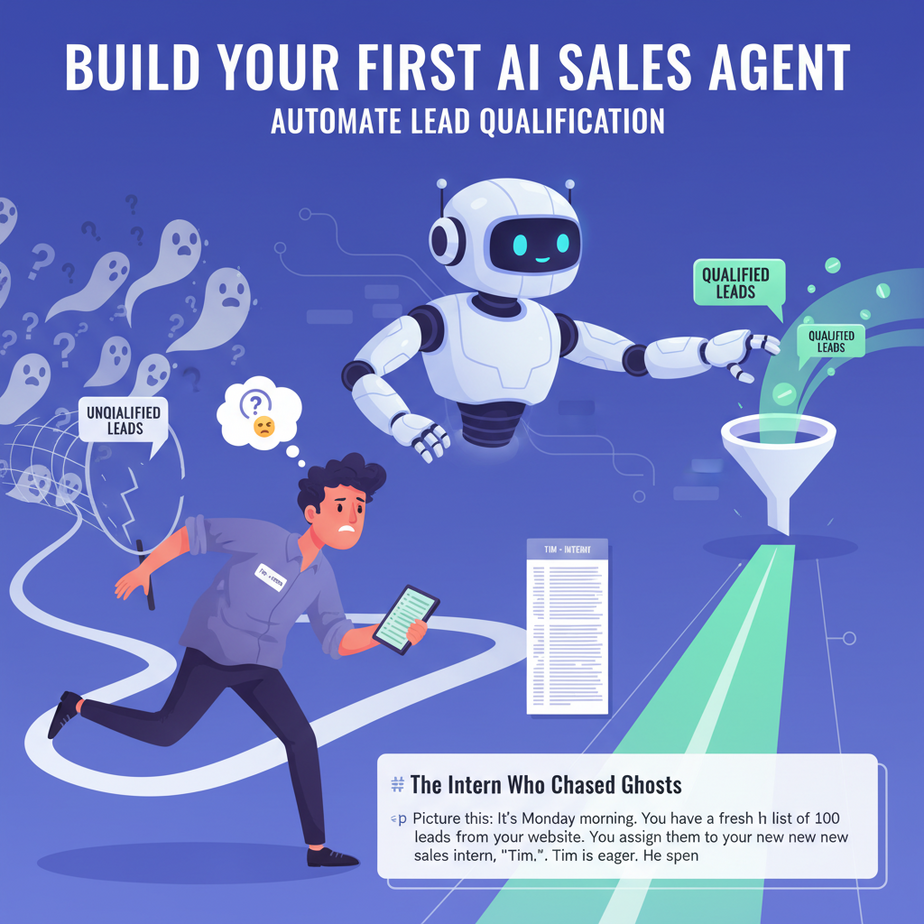
The Intern Who Chased Ghosts
Picture this: It’s Monday morning. You have a fresh list of 100 leads from your website. You assign them to your new sales intern, “Tim.” Tim is eager. He spends the next two days calling every single name on that list.
Result? 80 voicemails. 15 “not interested.” 4 “wrong department.” And 1 “maybe next year.” You paid Tim to dig for diamonds in a pile of rocks. Most businesses do this digitally every single day. They collect emails, dump them into a spreadsheet, and blast them with generic automation. It’s noisy, inefficient, and expensive.
What if you had a digital intern named “Agent SDR”? One that never sleeps, never gets tired, and asks every lead the exact same 4 qualifying questions before you ever waste a second of your time? That is the power of an AI Sales Agent.
Why This Matters: The Gatekeeper Effect
This isn’t just about saving time; it’s about respecting your pipeline.
When you automate lead qualification, you achieve three massive business wins:
- Sanity: You stop staring at cold leads. You only talk to qualified prospects.
- Speed: Instant response times increase conversion rates by up to 400%. An AI answers in seconds, not hours.
- Scale: You can flood your site with traffic and handle the volume without hiring a sales army.
Manually qualifying leads is the equivalent of a bouncer checking IDs at a library—it’s necessary, but mind-numbing work. Let’s make a robot do it.
What We Are Building (And What We Aren’t)
We are building a Decision Flow Engine.
What it does: It engages a new lead via email or chat, asks a series of targeted questions, scores their answers, and if they pass, it offers a calendar link to book a meeting. If they fail, it politely disqualifies them.
What it does NOT do: It does not do the actual selling. It does not close the deal. It is the scout, not the general. It prepares the battlefield so you can win the war.
Prerequisites: What You Need
Don’t panic. We are keeping this accessible. To follow this tutorial, you need:
- An LLM API Key: (e.g., OpenAI or similar compatible service). You need the ability to send a text prompt and get a response back.
- A Basic Execution Environment: Python is the standard. If you can run a Python script on your computer, you are good to go.
- A Spreadsheet (Mental or Real): You need to define your qualification criteria (Budget, Authority, Need, Timeline).
If you have zero coding experience, simply read along to understand the logic. The logic is universal, whether you use no-code tools or write raw Python.
Step-by-Step Tutorial: The Qualification Logic
We are going to build the brain of this agent. This script will simulate a conversation flow.
Step 1: Define the “Red Flags”
Before writing code, define what makes a lead bad. We call these Disqualifiers.
Example: If the lead says “I’m just browsing” or “My budget is $0,” that’s a disqualifier. If they say “I need this next week,” that’s a qualifier.
Step 2: The Prompt Engineering
We need to tell the AI how to act. We aren’t asking it to be creative; we are asking it to be a strict analyst.
Step 3: The Code
Here is a Python script that simulates an AI Agent analyzing a lead’s initial message. It looks for keywords to determine if the lead is hot or cold.
import re

def qualify_lead(lead_message, lead_budget):
    """
    Analyzes a lead's message and budget to determine qualification status.
    Returns a dictionary with a decision and next step.
    """

    # Normalize text for easier matching
    text = lead_message.lower()

    # Define Qualifiers (Words that suggest intent)
    qualifiers = ['urgent', 'need', 'buy', 'pricing', 'demo', 'contract', 'start']

    # Define Disqualifiers (Words that suggest tire-kicking)
    disqualifiers = ['just looking', 'maybe', 'later', '0', 'no budget', 'curious']

    # --- LOGIC ENGINE ---

    # 1. Check Budget Hard Stop
    if lead_budget < 1000:
        return {
            "status": "DISQUALIFIED",
            "reason": "Budget below threshold",
            "next_step": "Send generic nurture email"
        }

    # 2. Check Text for Intent
    if any(word in text for word in disqualifiers):
        return {
            "status": "COLD",
            "reason": "Low intent detected",
            "next_step": "Send educational content"
        }

    if any(word in text for word in qualifiers):
        return {
            "status": "HOT",
            "reason": "High intent detected",
            "next_step": "Offer Calendar Link"
        }

    # 3. Default Neutral State
    return {
        "status": "WARM",
        "reason": "Neutral inquiry",
        "next_step": "Ask qualifying questions: Budget, Timeline, Authority"
    }

# --- SIMULATION ---
# Let's test our agent with a real lead email.

incoming_email = "Hi, I'm looking for a solution for my team. We have an urgent need to start next month."
proposed_budget = 5000

result = qualify_lead(incoming_email, proposed_budget)

print(f"Lead Analysis Result: {result['status']}")
print(f"Action Plan: {result['next_step']}")
Complete Automation Example: The "Cold to Booked" Pipeline
Now, let's take that logic and put it into a real-world workflow. Imagine this is running inside a tool like Make.com, Zapier, or a Python script hooked to your email.
The Workflow:
- Trigger: A user submits the "Contact Us" form on your website.
- Step 1 (Parsing): The automation extracts their Email, Message, and Company Size.
- Step 2 (The AI Brain): The AI analyzes the message using the logic we built above. It determines this lead is "HOT."
- Step 3 (The Action): Because it is HOT, the automation sends an email immediately (while the lead is still on your site).
The Email Response (Generated by AI):
Subject: Re: Your inquiry about [Product Name]
Hi [Name],
I saw you reached out about [Topic]. Based on what you wrote, it looks like you have an urgent need.
I'm booking a demo for clients exactly in your situation this Thursday.
Click here to grab a 15-minute slot: [Calendly Link]
Best,
Agent SDR
What happened here? You skipped the back-and-forth. You captured the lead when their intent was highest and converted them to a meeting instantly.
Real Business Use Cases
This pattern applies to almost any business that takes inquiries.
- Real Estate Agency: The agent filters out "just looking" window shoppers from "pre-approved buyers ready to view."
- Freelance Web Developer: The bot asks "Do you have a design ready?" and "What is your budget?" before offering a consultation.
- Law Firm: Intake bot analyzes case descriptions for "potential conflict" or "statute of limitations" issues before routing to a lawyer.
- E-commerce B2B: Automatically approves wholesale accounts that meet minimum order volume metrics and rejects hobbyists.
- Recruitment Agency: Asks candidates "Do you have a visa?" and "Are you willing to relocate?" to stop wasting time on non-starters.
Common Mistakes & Gotchas
Even smart people mess this up. Here are the pitfalls:
1. Being Too Rigid: If your AI disqualifies anyone who uses slang or misspelled words, you lose business. Fix: Use LLMs (like GPT-4) for understanding, not just keyword matching (like the Python script above). The Python script is a demo; in production, send the text to an LLM for judgment.
2. The "Black Hole": Never let a qualified lead wait. If your bot says "I'll get back to you," you failed. The bot must act now (book a meeting, start a chat).
3. Forgetting the Human Touch: If the lead asks a complex question the bot doesn't know, the bot must escalate to a human immediately. Don't let it hallucinate answers.
How This Fits Into a Bigger Automation System
Your Qualification Agent is the Front Door Security. It hands off to other systems:
- CRM Integration: If the lead is HOT, the bot automatically creates a "Deal" in HubSpot or Salesforce with a "Hot Lead" tag.
- Voice Agents: If you are in a high-ticket industry, a hot lead doesn't get an email—they get a phone call from an AI Voice Agent immediately to lock in the meeting.
- RAG Systems: Once the lead is qualified, they can ask the agent specific questions about your product. The agent uses RAG (Retrieval Augmented Generation) to pull answers from your knowledge base.
What to Learn Next
You now have the logic for the scout. But a scout is useless if they don't have a radio to call in the coordinates.
In the next lesson, we are going to plug this logic into a real communication channel. We are building Lesson 4: The Email Responder Bot. We will use Python to connect to an email server, read new messages, run our qualification logic, and send replies automatically.
Get your API keys ready. We're moving from theory to action.
",
"seo_tags": "AI sales agent, lead qualification, business automation, AI SDR, Python automation, sales funnel automation",
"suggested_category": "AI Automation Courses