
Hook
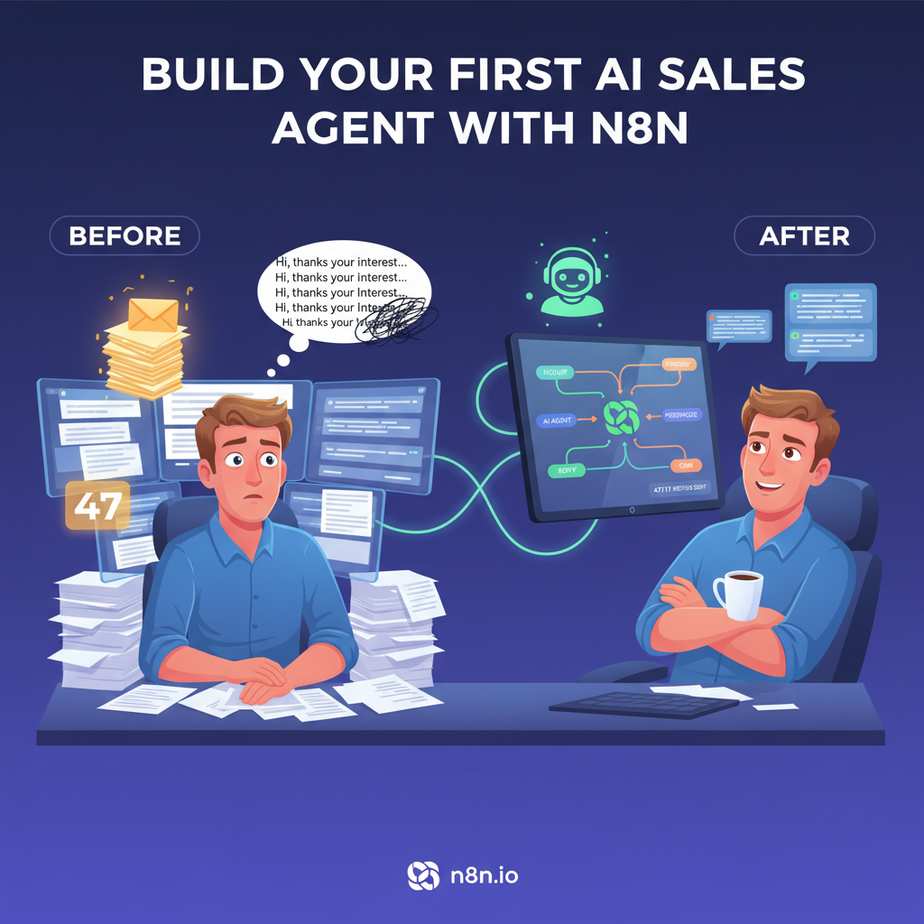
Meet Alex. Alex runs a boutique consulting firm. Last week, Alex got 47 inquiries. Forty. Seven. Alex spent two full days copy-pasting the same reply, trying to sound “personal,” while a real enterprise lead sat unanswered for 18 hours. That lead? Yeah, they moved on. Alex’s intern called in sick (again), and the CRM is a graveyard of half-finished notes. Alex is drowning in leads but starving for actual sales.
Let’s fix that. Today, you’re going to build an AI sales agent that acts like a hyper-efficient intern who never sleeps, never gets bored, and actually knows what a qualified lead looks like. It lives inside n8n, a visual automation tool that’s about to become your new best friend.
Why This Matters
Speed kills deals. The first responder often wins. Manually qualifying leads is slow, inconsistent, and boring. Your intern (or you) makes mistakes. You forget to follow up. You sound like a robot when you’re tired.
This automation replaces that chaotic manual process. It instantly:
- Grabs new leads from your inbox or form.
- Checks if they fit your ideal customer profile.
- Drafts a personalized response based on their needs.
- Alerts your sales team only if it’s a hot lead.
Result? You engage hot leads in minutes, not hours. You ignore tire-kickers. You scale your sales efforts without hiring another soul.
What This Tool / Workflow Actually Is
We are building a workflow inside n8n. Think of n8n as a visual factory floor. You have different stations (Nodes) that process your lead. One node grabs the email, another uses AI to read it, a third checks the website domain, and a final one sends a reply.
It IS: A set of instructions that runs automatically when a new lead comes in. It uses AI to understand text and make decisions.
It is NOT: A magic crystal ball. It won’t close deals for you (yet). It relies on the AI model you choose (like OpenAI GPT-4) and the rules you set.
Prerequisites
Don’t panic. This is beginner-friendly. You need:
- An n8n account (Cloud or self-hosted, the free tier is fine to start).
- An email account you can connect (Gmail works great).
- An API key from an AI provider (OpenAI is the easiest; just get a credit on your account).
If you can copy-paste and type an email password, you can do this. I promise.
Step-by-Step Tutorial
Step 1: The Trigger (Catch the Lead)
First, we need to catch the lead. Let’s pretend it comes in via email. In n8n, create a new workflow. Search for the “Email Read IM” node. Connect it to your Gmail (or Outlook). Set it to poll every 5 minutes. This is your factory gate.
Step 2: The Brain (AI Qualification)
Once we have the email, we need to judge it. Add an “AI Agent” node (or simply the “OpenAI” node if you want to keep it simple for now).
We need to prompt the AI. We will ask it to look at the sender and the body text to see if they are a potential high-value client.
Why we do this: Reading emails is boring. AI does it instantly and follows your rules perfectly.
Step 3: The Decision (The Gatekeeper)
We use an “IF” node. The AI will give us a simple output: “Qualified” or “Not Qualified.” The IF node routes the traffic.
If “Qualified” -> Go to the Action path.
If “Not Qualified” -> Go to the Archive path.
Step 4: The Action (The Personal Touch)
If qualified, we use another AI node to draft a response. This prompt is different. We ask it to write a friendly, specific reply mentioning details from the original email.
Step 5: The Alert (Wake the Human)
Finally, if the lead is hot, we send a Slack message (or SMS) to the sales team with the drafted reply, ready to review and send.
Complete Automation Example: The “Inbox Zero” Sales Agent
Here is the blueprint. You can build this right now.
The Setup
We are going to process incoming emails. We will look for keywords like “pricing,” “demo,” or “quote.” If we see them, we treat it as a high-intent lead.
The Nodes
Here is the logic flow and the code you need to copy.
1. Email Trigger Node:
// Configuration in n8n Email Read IM Node:
Protocol: IMAP
Host: imap.gmail.com
User: your-email@gmail.com
Password: [Your App Password]
Trigger: On Schedule (Every 5 mins)
2. AI Classifier Node (System Prompt):
You are a sales qualifying bot. Analyze the incoming email content provided below.

Rules:
1. If the sender mentions "pricing", "quote", "demo", or "interested in services", return "QUALIFIED".
2. If it is clearly spam or irrelevant, return "UNQUALIFIED".
3. Output ONLY the word "QUALIFIED" or "UNQUALIFIED".

Email Content:
{{$json["Text"]}}
3. AI Responder Node (System Prompt):
You are a helpful sales assistant. Draft a short, friendly email reply to the lead below.

Context:
- Do not give specific pricing yet.
- Offer a specific time for a 15-min call tomorrow.
- Sign off as "Alex" (the founder).

Original Email:
{{$json["Text"]}}
4. n8n IF Node:
// Condition 1
Operation: String
Value 1: {{$json["ai_output"]}}  // The output from the Classifier
Operation: Equal
Value 2: QUALIFIED

// If True -> Connect to Slack Node
// If False -> Connect to No-Op (Do nothing) or Archive Node
5. Slack Alert Node:
Channel: #sales-alerts
Message:
🔥 Hot Lead Alert!
Email: {{$json["Email"]}}
Drafted Reply:
{{$json["ai_responder_output"]}}
Real Business Use Cases
- Real Estate Agency: Catches inquiries from Zillow/website forms. AI instantly drafts a reply asking for their budget and ideal neighborhood. Only alerts agents if the budget is above $500k.
- eCommerce Store: Scans emails for “return” or “damaged item.” AI drafts a polite apology and generates a return label link immediately, reducing refund chargebacks.
- Freelance Developer: Parses project requests. If the project scope mentions “mobile app” and “iOS,” it auto-replies with a link to your calendar for a scoping call. If it sounds like “fix my Excel sheet,” it ignores it.
- Recruitment Firm: Reads candidate applications. AI checks if the resume text matches keywords for “Python” and “5 years experience.” If yes, it emails them back with interview availability.
- Marketing Agency: Scans for “SEO help” inquiries. AI drafts a reply attaching your case study PDF and asks for their current website URL.
Common Mistakes & Gotchas
- Spam Filtering: Don’t just rely on keywords. You might catch “How much to fix my spam folder?” which isn’t a good lead. Refine your AI prompt to look for buying intent, not just keywords.
- Looping: If you aren’t careful, your agent might reply to an auto-responder, which triggers the agent again. Always filter out emails from your own domain.
- API Costs: Every time the workflow runs, it costs a fraction of a cent. If you get 10,000 spam emails a day, that adds up. Use the “IF” node to filter out obvious junk before sending it to the AI.
How This Fits Into a Bigger Automation System
This sales agent is the entry point. Imagine connecting it to the rest of your business:
- CRM: If the lead is qualified, after the email alert, add a new row to Airtable or HubSpot automatically.
- Multi-Agent Workflow: The Sales Agent qualifies the lead. If qualified, pass the info to a “Research Agent” that scrapes the lead’s website to find pain points, then passes that to the Sales Agent to update the draft reply.
- RAG Systems: Instead of generic replies, connect your AI to your company’s vector database (Retrieval Augmented Generation). The AI then answers specific questions using your actual product documentation.
What to Learn Next
You just built a robot that reads your mail better than you do. That is Lesson 3.
In Lesson 4, we are going to upgrade this. We aren’t just going to send an email; we are going to make a Voice Agent that calls the qualified lead to book the meeting automatically. Imagine your AI calling your hot leads while you sleep.
Keep building. Your business doesn’t run on good intentions—it runs on systems.
“,
“seo_tags”: “n8n tutorial, AI sales agent, lead qualification automation, no-code AI, business automation”,
“suggested_category”: “AI Automation Courses