
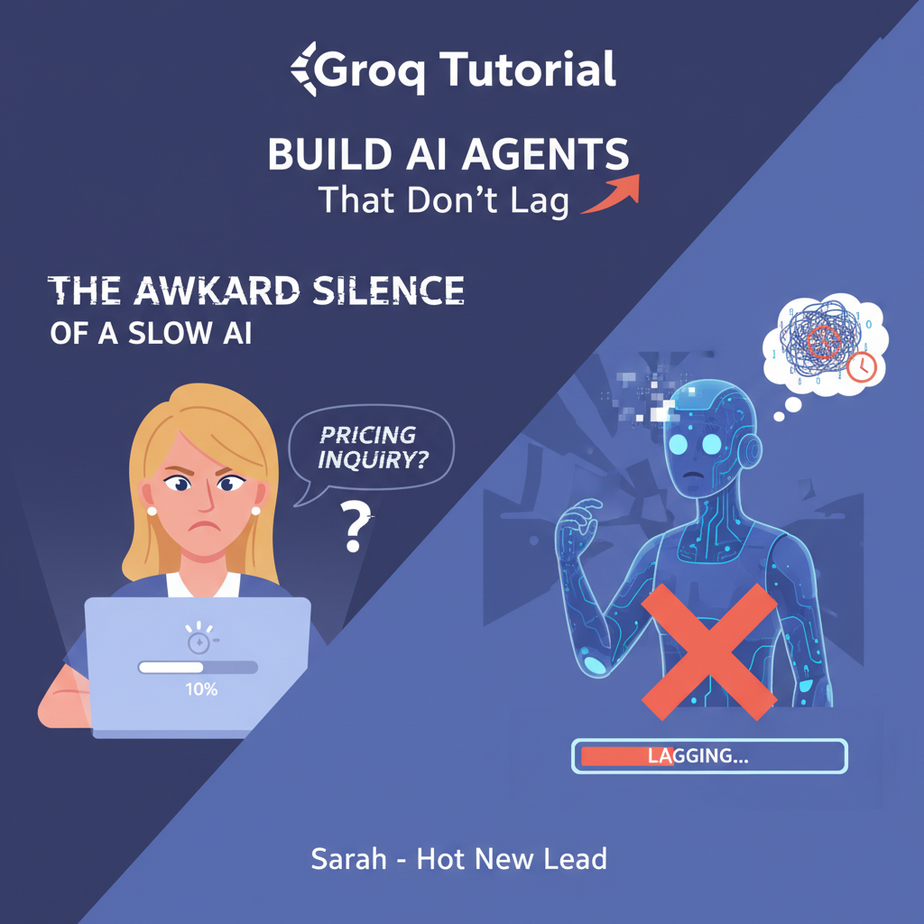
The Awkward Silence of a Slow AI
Picture this. Your hot new lead, Sarah, is on your website’s live chat. She has a simple question about your pricing. She types, hits enter, and waits.
And waits.
On your end, your fancy AI chatbot is “thinking.” A little spinner icon mocks you both. The AI is reading the question, pondering the universe, and slowly, ever so slowly, crafting a response. In that 8-second gap of dead air, Sarah has already opened a new tab and is checking out your competitor. She’s gone. You lost a customer to a spinning wheel.
That awkward silence, that lag, is the silent killer of AI automation. It feels clunky, unnatural, and unprofessional. It’s the digital equivalent of calling customer service and hearing nothing but heavy breathing on the other end. We can do better.
Why This Matters
In the world of automation, speed isn’t just a feature; it’s the entire product. The difference between a 5-second response and a 0.5-second response is the difference between a tool that feels like a slow, slightly confused intern and one that feels like a superhuman extension of your own mind.
Today, we’re replacing that slow intern. We’re building with an engine so fast it feels like science fiction. This isn’t about making things a little bit faster. It’s about enabling entirely new kinds of automations:
- Real-time conversations: Voice agents that don’t have awkward pauses.
- Instant data analysis: Triage a thousand customer emails in the time it takes to read one.
- Interactive tools: Code assistants and data dashboards that update as you type.
We’re moving from batch-processing grunt work to real-time, interactive automation. This is how you build an AI workforce that doesn’t just do tasks, but does them at the speed of business.
What This Tool / Workflow Actually Is
We’re going to be using an API from a company called Groq (pronounced “Grok,” like the verb).
Here’s the simple version. Most AI models run on GPUs (Graphics Processing Units), which are like a team of very smart general contractors. They can build anything, but they have to coordinate and set up their tools for each specific job. It’s powerful, but there’s overhead.
Groq created a new kind of chip called an LPU (Language Processing Unit). Think of an LPU as a hyper-specialized assembly line built for only one purpose: running language models, fast. It doesn’t do anything else. It can’t train models, it can’t generate images. It just takes in text and spits out text at absolutely ludicrous speeds.
So, what Groq is: an inference engine. It’s a specialized factory for running pre-trained language models (like Llama 3) faster than anyone else.
What Groq is NOT: a new AI model company like OpenAI or Anthropic. They don’t create the models; they just run them on their custom hardware. You bring the model, they provide the speed.
Prerequisites
This is easier than it sounds. I promise.
- A Groq Account: It’s free to sign up and you get a generous amount of free credits to play with. Go to groq.com.
- A Tiny Bit of Python: If you’ve never written a line of Python, don’t panic. You will be copying and pasting. If you can make a cup of coffee, you can do this. I recommend using a tool like Google Colab, which lets you run Python in your browser. No installation required.
- An API Key: We’ll get this in the first step. It’s just a secret password for your code to talk to Groq’s servers.
That’s it. No credit card, no complex software setup. Let’s build.
Step-by-Step Tutorial
Let’s get our engine running. First, we need the keys.
Step 1: Get Your Groq API Key
- Go to https://console.groq.com/ and sign in or create your free account.
- In the menu on the left, click on “API Keys”.
- Click the “Create API Key” button. Give it a name you’ll remember, like “AutomationAcademyTest”.
- The site will show you your key ONE TIME. Copy it immediately and paste it somewhere safe, like a password manager. Treat this key like cash. If someone else gets it, they can use your credits.
Step 2: Your First Supersonic API Call
We’ll use Python. It’s the lingua franca of AI automation. Open up Google Colab or your favorite code editor.
First, we need to install the official Groq library. In a code cell, run this:
pip install groqNow, let’s write our script. This is the absolute minimum code to get a response. The goal here is just to prove that we’re connected and that this thing is ridiculously fast.
Copy and paste this code. Replace `YOUR_API_KEY_HERE` with the key you just saved.
import os
from groq import Groq

# IMPORTANT: Replace this with your actual API key
# For better security, use environment variables in real projects
api_key = "YOUR_API_KEY_HERE"

client = Groq(api_key=api_key)

chat_completion = client.chat.completions.create(
    messages=[
        {
            "role": "user",
            "content": "Explain the importance of low-latency AI in one sentence.",
        }
    ],
    model="llama3-8b-8192",
)

print(chat_completion.choices[0].message.content)
When you run this, you should see a response appear almost instantly. No spinning wheel. No waiting. Just… the answer. That’s the magic we’re going to build on.
Complete Automation Example
The Instant Email Triage and Draft Bot
Let’s build something useful. Imagine an inbox that automatically categorizes incoming emails and drafts a reply for you, all before you’ve even finished reading the subject line.
The Goal:
- Receive a new email.
- Step 1 (Groq): Classify it as either a “Sales Inquiry”, “Support Request”, or “Other”.
- Step 2 (Groq): Based on the classification, draft a polite, context-aware starting reply.
- Result: Present the category and the draft to a human for a one-click send.
Here’s the full Python script to do it. We’ll simulate a new email with a simple variable, but you can see how this would plug into a real email server.
import os
from groq import Groq

# --- SETUP ---
# Replace with your API key. Use environment variables in production!
client = Groq(api_key="YOUR_API_KEY_HERE")

# --- SIMULATED INCOMING EMAIL ---
new_email_body = """
Hi there,

I was looking at your pricing page for the Pro plan and had a question.
Does it include API access? We are looking to integrate your service with our internal tools.

Thanks,
Jane Doe
"""

# --- AUTOMATION WORKFLOW ---
def process_email(email_content):
    print(f"Processing new email...\
---\
{email_content}\
---")

    # STEP 1: Classify the email
    print("\
1. Classifying email intent...")
    classification_completion = client.chat.completions.create(
        messages=[
            {
                "role": "system",
                "content": "You are an email classification expert. Classify the user's email into one of these three categories: Sales Inquiry, Support Request, Other. Respond with ONLY the category name."
            },
            {
                "role": "user",
                "content": email_content
            }
        ],
        model="llama3-8b-8192",
        temperature=0.0,
        max_tokens=20,
    )
    category = classification_completion.choices[0].message.content.strip()
    print(f"   └── Result: {category}")

    # STEP 2: Draft a reply based on the category
    if category not in ["Sales Inquiry", "Support Request"]:
        print("\
2. No draft needed for 'Other' category.")
        return

    print(f"\
2. Drafting reply for '{category}'...")
    drafting_completion = client.chat.completions.create(
        messages=[
            {
                "role": "system",
                "content": f"You are a helpful assistant. The user's email is a '{category}'. Draft a polite and helpful opening for a reply. Acknowledge their specific question but do not promise a final answer. Keep it concise."
            },
            {
                "role": "user",
                "content": email_content
            }
        ],
        model="llama3-70b-8192", # Using a more powerful model for drafting
        temperature=0.5,
        max_tokens=150,
    )
    draft = drafting_completion.choices[0].message.content.strip()
    print(f"   └── Suggested Draft:\
---\
{draft}\
---")

# --- RUN THE AUTOMATION ---
process_email(new_email_body)
Look at the output. In less than a second, the system correctly identified the email as a “Sales Inquiry” and drafted a perfect reply like: “Hi Jane, Thanks for reaching out about our Pro plan! That’s a great question regarding API access…” All you have to do is finish the thought and hit send. Now imagine this running on every single email that hits your company’s inbox.
Real Business Use Cases
This same “Sense > Think > Act” pattern, powered by Groq’s speed, can be applied everywhere.
- E-commerce Store: A live chat bot on a Shopify store. When a user asks, “Do you ship to Canada?” the bot instantly parses the question, checks a knowledge base document, and replies in milliseconds. No lag, no lost sale.
- Recruiting Agency: An automated resume screener. As resumes are uploaded, the system instantly extracts key skills, years of experience, and contact info, then categorizes the candidate for the right job opening, all before the recruiter’s page has even refreshed.
- SaaS Onboarding: An interactive in-app help bot. A new user can ask, “how do I create a new project?” and get an instant, context-aware answer that deep-links them to the correct page, instead of making them wait for a slow search index.
- Social Media Management: A brand monitoring tool that scans Twitter mentions in real-time. It classifies them as positive, negative, or neutral and drafts replies for the negative ones, allowing a community manager to respond to unhappy customers in minutes, not hours.
- Financial Services: A real-time transaction analysis tool. It can flag a potentially fraudulent credit card swipe, analyze the user’s history, and draft a security alert text message, all in the time between the card swipe and the terminal printing a receipt.
Common Mistakes & Gotchas
- Hardcoding API Keys: The code above puts the key directly in the script for simplicity. In a real project, this is a huge security risk. Learn to use environment variables to keep your secrets safe.
- Not Building for Speed: Using Groq for a slow, overnight batch job is like using a race car to haul lumber. It’ll work, but you’re missing the point. The magic happens when you redesign your workflow around its instantaneous nature. Think user-facing, interactive, real-time tasks.
- Ignoring Model Differences: Groq offers a specific set of models (like Llama 3, Mixtral). You can’t just ask for `gpt-4-turbo`. You need to use the models available on their platform and understand their strengths and weaknesses.
- Token Limits (The Bill): Faster doesn’t mean free. While you get free credits to start, be mindful of how much text you are sending and receiving (tokens). A chatty bot in a high-traffic system can still run up a bill if you’re not careful.
How This Fits Into a Bigger Automation System
Our little email bot is just one component in a much larger machine. A high-speed brain like this is a force multiplier for every other part of your automation stack.
- CRM Integration: After our bot classifies an email as a “Sales Inquiry,” the next step is to automatically create a new lead in Salesforce or HubSpot, assign it to a sales rep, and log the drafted email as a note. All instantly.
- Voice Agents: This is the holy grail. The #1 problem with AI phone bots is the cringey 2-3 second pause while they “think.” By using Groq as the brain, you can pair it with a low-latency Text-to-Speech (TTS) service and build a voice agent that can listen, think, and speak in a natural, conversational rhythm.
- Multi-Agent Workflows: Imagine a “researcher” agent that scours a database and hands its findings to a “summarizer” agent. With slow AI, there’s a delay at each step. With Groq, the agents can collaborate in a fraction of a second, enabling complex, multi-step reasoning in real-time.
- RAG Systems: Retrieval-Augmented Generation (RAG) involves finding relevant documents and then having an LLM use them to answer a question. The retrieval part is fast, but the LLM generation is often a bottleneck. Swapping in Groq for the generation step makes your entire Q&A system feel instantaneous.
What to Learn Next
You’ve done it. You’ve broken the sound barrier of AI automation. You now have a brain that thinks faster than you can type. But a brain in a jar isn’t very useful. It needs a way to interact with the world.
In our next lesson, we’re giving our super-fast brain a voice. We’re going to build a real-time AI voice agent that can actually hold a conversation without making you want to throw your phone against the wall. We’ll connect our new Groq engine to a voice API and build a bot that can handle a simple customer service call, live.
You’re not just learning tools; you’re building a fully autonomous, intelligent workforce, one component at a time. See you in the next lesson.
“,
“seo_tags”: “groq, groq api, ai automation, python, real-time ai, low-latency llm, ai agent tutorial, llama 3, business automation”,
“suggested_category”: “AI Automation Courses