
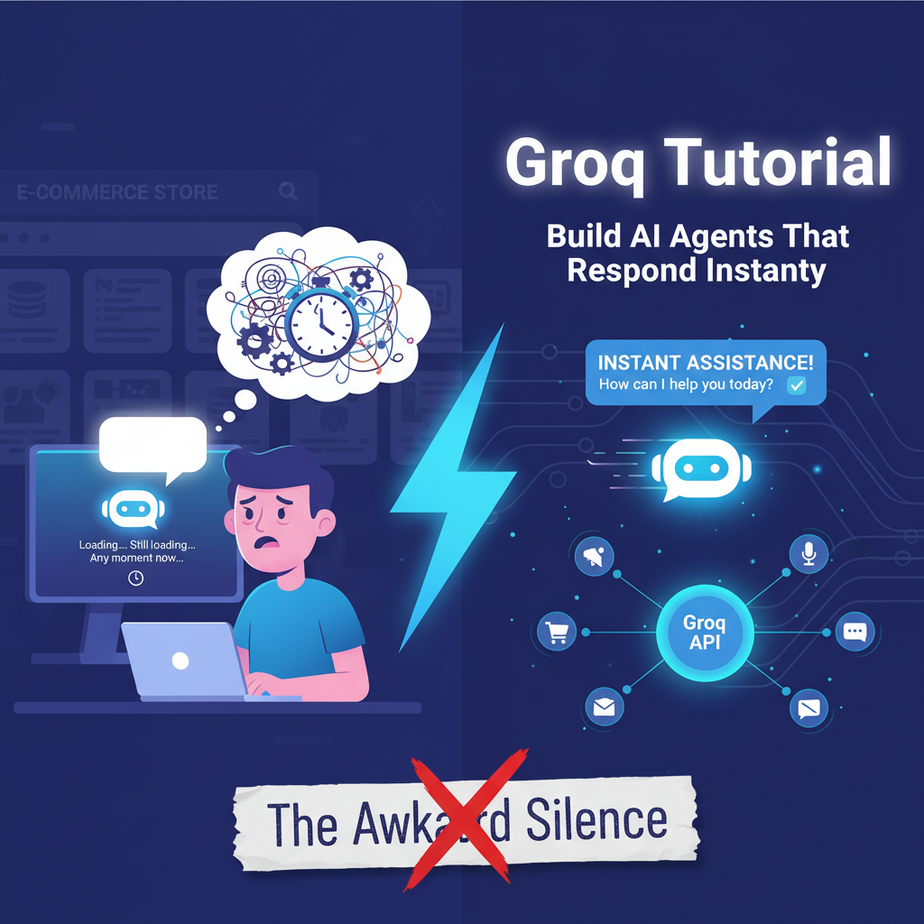
The Awkward Silence
Picture this. You’re trying to build a customer support chatbot for your e-commerce store. You’ve spent weeks hooking it up to your product database. You launch it, feeling like a tech god. Your first customer arrives.
Customer: “Hi, do you have this in blue?”
Your Bot: *typing…*
An entire eight seconds pass. An eternity in internet time. The customer could have brewed a small cup of tea, questioned their life choices, and closed the tab. Finally, the bot replies.
Your Bot: “Let me check on that for you!”
It’s a disaster. It’s like hiring a customer service rep who takes a long, dramatic drag from a cigarette before answering every simple question. This delay, this *latency*, is the silent killer of AI applications. It makes your amazing tech feel slow, stupid, and fundamentally broken.
Why This Matters
In the world of automation, speed isn’t a feature; it’s the whole damn point. We’re not building AI to have philosophical debates. We’re building it to do work, fast. When your AI is slow, you lose.
- You lose customers: A 3-second delay in a chatbot feels like an eternity. They’ll just leave.
- You lose money: Slow internal tools mean your team is waiting on the AI instead of the other way around. You’re paying for digital coffee breaks.
- You lose possibilities: You can’t build a real-time voice agent if it takes 5 seconds to think of a reply. The conversation is dead on arrival.
This workflow replaces the slow, expensive, GPU-powered AI calls that create that awkward silence. We’re replacing our thoughtful, chain-smoking intern with a robot that operates at the speed of thought. The goal is to eliminate latency, making AI interactions feel instantaneous and natural.
What This Tool / Workflow Actually Is
Let’s be crystal clear. Groq (that’s G-R-O-Q) is not a new AI model. It’s not a competitor to ChatGPT or Llama. Groq is the racetrack, not the race car.
Groq is a hardware company that designed a completely new kind of chip called an LPU, or Language Processing Unit. Think of it like this: a normal computer chip (CPU) is a generalist, like a handyman who can do a bit of everything. A graphics chip (GPU) is a specialist, great at doing thousands of simple math problems at once for video games. An LPU is a hyper-specialist. It does ONE thing and one thing only: run Large Language Models (LLMs) at absolutely psychotic speeds.
What it does: It gives you an API to run popular open-source models (like Llama 3 and Mixtral) at speeds that feel like magic. We’re talking hundreds of tokens per second. It’s so fast it feels fake.
What it does NOT do: It doesn’t have its own proprietary model. It doesn’t create new AI capabilities. It just takes existing, powerful models and puts them on silicon steroids.
Prerequisites
This is where you might get nervous. Don’t be. If you can order a pizza online, you can do this. Brutal honesty, here’s what you need:
- A GroqCloud Account: It’s free to sign up and you get a generous free tier to play with. Go to console.groq.com.
- An API Key: Once you’re signed in, you’ll click a button that says “Create API Key”. Copy this long string of characters and save it somewhere safe. This is your password to the magic factory.
- Python 3: Most computers have it installed. If not, a quick Google search for “install python” will get you there in 5 minutes.
That’s it. No credit card, no server setup, no PhD in computer science. You’re ready.
Step-by-Step Tutorial
Let’s get our hands dirty. We’re going to write a tiny script that proves the speed is real.
Step 1: Install the Groq Python Library
Open up your computer’s terminal (on Mac, it’s called Terminal; on Windows, it’s Command Prompt or PowerShell). Type this and hit Enter:
pip install groqThis command tells Python’s package manager (`pip`) to go fetch the official Groq code and install it for you. Done.
Step 2: Set Up Your API Key
Your API key is secret. You should never paste it directly into your code. The professional way is to set it as an “environment variable.” It’s like telling your computer, “Hey, remember this secret for me and call it GROQ_API_KEY.”
In your terminal (Mac/Linux):
export GROQ_API_KEY='YOUR_API_KEY_HERE'In your Command Prompt (Windows):
set GROQ_API_KEY=YOUR_API_KEY_HEREReplace `YOUR_API_KEY_HERE` with the key you copied from the Groq dashboard. Note: You’ll have to do this every time you open a new terminal window, or learn how to set it permanently (a quick Google search away!).
Step 3: Write The Basic Code
Create a new file called `test_groq.py` and paste this exact code inside. This is the simplest possible call to the Groq API.
import os
from groq import Groq

# The script will automatically find the GROQ_API_KEY in your environment
client = Groq()

chat_completion = client.chat.completions.create(
    messages=[
        {
            "role": "user",
            "content": "Explain the importance of low latency in AI systems.",
        }
    ],
    model="llama3-8b-8192",
)

print(chat_completion.choices[0].message.content)
Step 4: Run It and Be Amazed
Go back to your terminal, make sure you’re in the same folder where you saved the file, and run:
python test_groq.pyThe response will appear almost instantly. Not in 5 seconds. Not in 1 second. It will feel like the text was already there. That’s the LPU at work.
Complete Automation Example
Okay, party tricks are fun. Let’s build something useful. We’re going to create a **Real-Time Sales Lead Qualifier**.
The Goal: When a user submits a form on our website, we don’t just say “Thanks.” We instantly analyze their message and ask a smart, qualifying follow-up question.
Here’s the Python script. Imagine this script is run by your web server the moment a form is submitted.
from groq import Groq

client = Groq()

# This would come from the web form submission
user_inquiry = "Hi, I saw your enterprise plan. I work at a big company and we need to know if you support SAML-based SSO and if we can get a volume discount."

def qualify_lead(inquiry):
    system_prompt = """
You are a helpful and extremely fast sales qualification assistant.
Your only job is to read the user's inquiry and ask exactly ONE clarifying question to help the sales team understand their needs.

Focus your question on one of these three areas:
1.  **Scale:** How many users/seats do they need?
2.  **Timeline:** How soon are they looking to implement?
3.  **Budget:** Is this a budgeted project?

Keep your question concise, friendly, and under 25 words.
Do NOT answer their question directly. Just ask for more information.
"""

    try:
        chat_completion = client.chat.completions.create(
            messages=[
                {
                    "role": "system",
                    "content": system_prompt
                },
                {
                    "role": "user",
                    "content": inquiry
                }
            ],
            model="llama3-8b-8192",
            temperature=0.7, # A little creativity is okay
            max_tokens=50,
        )
        return chat_completion.choices[0].message.content

    except Exception as e:
        print(f"An error occurred: {e}")
        return "Thanks for your inquiry! A team member will be in touch shortly."

# --- Run the automation ---
follow_up_question = qualify_lead(user_inquiry)

# This is what you would show the user on the confirmation page
print(f"Thank you for your interest! We've received your message.")
print("-" * 20)
print(f"Instant follow-up: {follow_up_question}")
When you run this, the output will be something like: “Thanks for the great question! To give you the most accurate pricing, could you share how many team members would need access?” This is generated in milliseconds and changes the entire user experience from a static form to a dynamic conversation.
Real Business Use Cases
This one pattern—instant analysis and response—can be applied everywhere.
- E-commerce Chatbots: A customer asks, “Do you have shoes for running?” The Groq-powered bot instantly replies, “Absolutely! Are you looking for trail running or road running shoes to help me narrow it down?” No delay, no lost sale.
- SaaS Onboarding: A new user is clicking around looking lost. A popup appears: “I see you’re on the dashboard. Are you trying to create your first project or invite a team member?” This is powered by streaming user events to a Groq agent.
- Content Moderation: Instantly scan every user comment or post for hate speech, spam, or policy violations before it even goes public. Speed is critical here.
- Internal IT Support: An employee’s support ticket “My VPN is broken” is instantly enriched with a follow-up: “I can help with that. Are you on the corporate WiFi or working remotely right now?”
- Data Cleaning & Structuring: You have a million lines of messy, user-generated text. A Groq script can stream through it, extracting structured data (like names, dates, and sentiment) in a fraction of the time a GPU-based model would take.
Common Mistakes & Gotchas
- Thinking Groq is the Model: I’ll say it again. Groq runs models, it doesn’t build them. The quality of your output is still dependent on the model you choose (e.g., `llama3-8b-8192` vs `llama3-70b-8192`). A fast response that’s wrong is still wrong.
- Ignoring Prompt Quality: Speed doesn’t fix lazy prompting. Your system prompts and instructions are more important than ever. Garbage in, garbage out… just much, much faster.
- Using It for the Wrong Task: If you need a 10,000-word essay on the history of Rome, the speed of generation isn’t your main problem. Groq shines in interactive, conversational, or high-throughput scenarios where latency is the enemy.
- No Error Handling: What if the Groq API has a hiccup? My example shows a basic `try…except` block. In a real application, you need robust error handling so your system doesn’t crash and burn.
How This Fits Into a Bigger Automation System
Groq isn’t an entire automation system by itself. It’s a supercharger you bolt onto the engine. It’s the brainstem, handling the reflexive, instantaneous actions.
- Voice Agents: This is the killer app. Combine Groq with a fast Speech-to-Text and Text-to-Speech service. Groq’s low latency (under 300ms) is what makes a spoken conversation feel fluid and not like a walkie-talkie.
- Multi-Agent Systems: You can build a “Router” agent using Groq. It reads an incoming request and, in milliseconds, decides which specialized, more powerful (and slower) agent should handle the task. It’s the receptionist for your AI workforce.
- RAG (Retrieval-Augmented Generation): After you’ve retrieved relevant documents from your database (the slow part), you can pass that context to Groq for an instant summary and answer.
- Real-Time Dashboards: Hook Groq up to a live data stream (like social media mentions or support tickets). It can categorize, tag, and analyze the data so fast that your dashboard updates in real-time.
What to Learn Next
You now have the secret to real-time AI. You can build bots and systems that don’t make users want to tear their hair out. You’ve replaced the awkward silence with inhuman speed.
But text is only one part of the puzzle. Our lightning-fast brain needs a mouth.
In the next lesson in this course, we are going to do exactly that. We’ll take our Groq agent and connect it to a real-time voice API. We’re going to build a simple agent you can actually pick up the phone and talk to, one that responds instantly without those painful, conversation-killing pauses. We’re moving from a fast typist to a fast talker.
Go get your Groq API key. Run the code. See the speed for yourself. Welcome to real-time AI. I’ll see you in the next lesson.
“,
“seo_tags”: “groq tutorial, ai agent, real-time ai, low latency ai, build ai chatbot, python groq, lpu tutorial, ai automation”,
“suggested_category”: “AI Automation Courses