
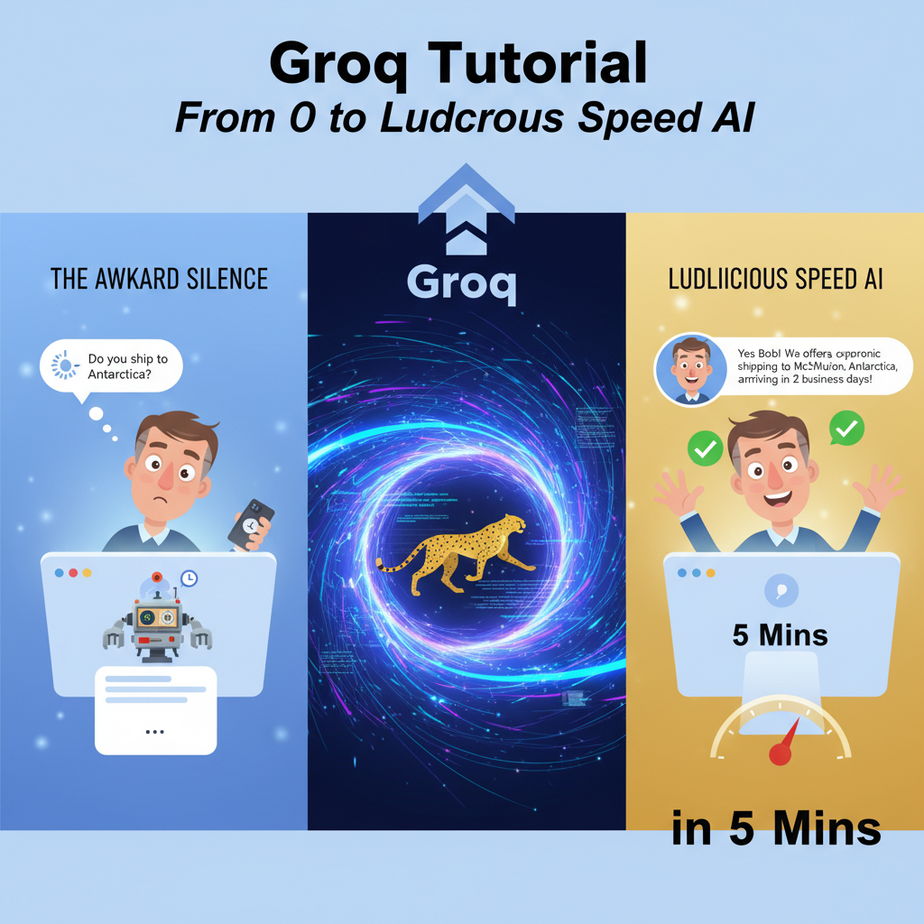
The Awkward Silence
Picture this. You’ve launched a shiny new AI chatbot on your website. A customer, let’s call him Bob, has a simple question: “Do you ship to Antarctica?”
Bob types his question. The chatbot’s little “typing…” indicator pops up. And stays there. For five seconds. Six. Seven.
In the real world, this is an eternity. Bob could have made coffee, questioned his life choices, and found a competitor who sells penguin-friendly parkas. When your bot finally responds—“Yes, we do!”—Bob is already gone. You didn’t just lose a sale; you actively annoyed a potential customer with a tool that was supposed to help.
That awkward silence, that painful delay, is the killer of good AI experiences. It’s the digital equivalent of talking to someone who buffers in real life. And today, we’re going to eliminate it. Permanently.
Why This Matters
Speed isn’t a feature; it’s a foundation. In automation, latency—the delay between a request and a response—is the enemy. A slow AI is a bad AI.
Here’s the business impact:
- User Experience: A fast AI feels like magic. A slow one feels like broken technology. For chatbots, voice agents, or any interactive tool, sub-second responses are non-negotiable.
- Throughput & Cost: If one AI call takes 5 seconds and another takes 0.5 seconds, you can run 10x the number of tasks in the same amount of time with the faster one. This dramatically lowers the cost-per-task and lets you scale your automations without breaking the bank.
- New Possibilities: Many automations are simply impossible with high latency. Think real-time voice call analysis, live coding assistants, or interactive agents that can chain multiple thoughts together without making the user wait 30 seconds. Speed unlocks the future.
This workflow replaces the slow, expensive, and frustrating “good enough” AI calls with something that feels instantaneous. It’s the difference between a lazy intern who takes all day to answer an email and a hyper-caffeinated genius who replies before you’ve even hit send.
What This Tool Actually Is
Let’s be crystal clear. We’re talking about Groq (pronounced “grok,” as in, to understand something intuitively).
Groq is NOT a new Large Language Model like GPT-4 or Llama 3. You can’t ask “the Groq model” a question.
Instead, Groq has created a new kind of chip called an LPU, or Language Processing Unit. Think of it like this: if LLMs are the brilliant chefs, Groq is a futuristic kitchen designed by aliens. It has zero-gravity pans and laser-powered stovetops. You bring in a well-known chef (like Llama 3 or Mixtral), put them in this kitchen, and they can suddenly cook a five-course meal in the time it takes you to boil water.
What Groq does: It runs existing, popular open-source LLMs at absolutely insane speeds—hundreds of tokens per second.
What Groq does NOT do: It doesn’t create its own models. Its model selection is smaller and more curated than, say, OpenAI’s. You use it for *inference* (getting answers), not *training*.
Prerequisites
This is where people get nervous. Don’t. If you can order a pizza online, you can do this.
- A Groq Account: Go to GroqCloud. Sign up. It takes 30 seconds and they have a generous free tier to get you started.
- Your API Key: Once you’re in, find the “API Keys” section and create a new key. Copy it and save it somewhere safe, like a password manager. This is your secret password to the fast kitchen.
- Python: We’ll use a few lines of Python. If you don’t have it installed, it’s a quick Google search away (“how to install python on my OS”). Don’t worry, you won’t be learning to code today; you’ll be learning to copy and paste.
That’s it. No credit card, no complex server setup. Just you, a browser, and a willingness to see something cool.
Step-by-Step Tutorial
Let’s make our first lightning-fast API call. This is the “Hello, World!” of speed.
Step 1: Install the Groq Python Library
Open your terminal or command prompt and type this. It’s the equivalent of hiring the courier service that knows how to deliver messages to the Groq kitchen.
pip install groqStep 2: Create Your Python File
Create a new file named quick_test.py. Open it in any text editor (Notepad is fine, but something like VS Code is better).
Step 3: Write the Code (a.k.a. Copy and Paste)
Paste the following code into your file. I’ll explain what it does right below.
import os
from groq import Groq

# Make sure to set your API key as an environment variable
# In your terminal: export GROQ_API_KEY='YOUR_API_KEY'
# Or, for a quick test (less secure), just uncomment the line below:
# os.environ["GROQ_API_KEY"] = "YOUR_API_KEY_HERE"

client = Groq()

chat_completion = client.chat.completions.create(
    messages=[
        {
            "role": "system",
            "content": "You are a helpful assistant."
        },
        {
            "role": "user",
            "content": "Explain the importance of low-latency in AI systems.",
        }
    ],
    model="llama3-8b-8192",
)

print(chat_completion.choices[0].message.content)
Step 4: Understand the Code
import groq: This loads the library you just installed.client = Groq(): This creates the connection to Groq’s service. It automatically looks for your API key in your system’s environment variables, which is the proper way to handle secrets. For a quick and dirty test, you can paste your key directly, but don’t do this for real projects.client.chat.completions.create(...): This is the main command. You’re telling the client to create a new chat completion.messages: This is the conversation history. Thesystemrole tells the AI *how* to behave, and theuserrole is your actual question.model="llama3-8b-8192": This is crucial. You’re specifying which chef to use in the super-fast kitchen. Here, it’s Llama 3 with an 8k token context window.print(...): This just prints the AI’s response to your screen.
Step 5: Run It
Before you run, replace "YOUR_API_KEY_HERE" with the actual key you copied from Groq. Then, in your terminal, run the script:
python quick_test.pyBlink. It’s probably already done. You should see a well-articulated answer about low-latency AI appear almost instantly. That’s the magic.
Complete Automation Example
Theory is boring. Let’s build a real micro-automation: an Instant Email Triage Bot.
Imagine emails flooding your support inbox. Some are spam, some are simple questions, and some are from furious customers threatening to cancel. This bot will read an email the second it arrives and slap a label on it: URGENT, INQUIRY, or SPAM.
Here’s the full, runnable Python script. We’ll simulate a new email coming in with a simple string.
import os
from groq import Groq

# --- SETUP ---
# Make sure to set your GROQ_API_KEY in your environment variables
client = Groq()

# --- THE INCOMING EMAIL (Our trigger) ---
incoming_email_body = """
Hi there,

I just received my order #12345 and the widget is broken!
This is the third time this has happened and I am extremely frustrated.
My boss is going to kill me. I need a replacement shipped overnight or I'm cancelling my enterprise account.

- Angry Alice
"""

# --- THE AUTOMATION LOGIC ---
def classify_email(email_content):
    print("\
--- Analyzing Email ---")
    try:
        chat_completion = client.chat.completions.create(
            messages=[
                {
                    "role": "system",
                    "content": "You are an email classification expert. Your only job is to classify an email into one of three categories: URGENT, INQUIRY, or SPAM. You must respond with ONLY one of these three words. Do not add any explanation or punctuation."
                },
                {
                    "role": "user",
                    "content": f"Please classify the following email:\
\
{email_content}",
                }
            ],
            model="llama3-8b-8192",
            temperature=0.0, # We want deterministic output
            max_tokens=10,
        )
        classification = chat_completion.choices[0].message.content.strip()
        print(f"Groq classification: {classification}")
        return classification
    except Exception as e:
        print(f"An error occurred: {e}")
        return "ERROR"

# --- RUN THE WORKFLOW ---
email_category = classify_email(incoming_email_body)

# In a real system, you'd now use this 'email_category' to tag the
# email in your CRM, forward it to a specific team, etc.
print(f"--- Action Taken: Email tagged as {email_category} ---")
Run this file. In less than a second, it will print URGENT. Change the incoming_email_body to a simple question like “Hi, can you tell me your business hours?” and it will instantly return INQUIRY. The speed means you can run this on every single incoming email without creating a massive bottleneck.
Real Business Use Cases
This exact pattern—a fast, cheap API call to an LLM—is a building block for thousands of automations.
- E-commerce Store: Instant FAQ Bot. A customer asks a question in the chat widget, and Groq provides an answer from your knowledge base before they can get bored and leave the site.
- Sales Team: Real-time Call Summarizer. A salesperson finishes a Zoom call. The transcript is fed to Groq, which instantly produces a 3-bullet summary and logs it in the CRM before the agent has even closed the tab.
- Marketing Agency: Social Media Idea Generator. A marketer types a topic like “AI productivity.” Groq instantly generates 20 different tweet ideas, hooks, and angles, turning a 30-minute brainstorm into a 3-second task.
- Software Company: Live Log Analysis. A stream of server logs is piped through Groq. The AI is prompted to spot anomalies or error patterns in real-time, alerting developers to a problem before customers even notice.
- Legal Tech Firm: Document Clause Identifier. A paralegal uploads a 50-page contract. A script splits it into chunks and uses Groq to instantly identify and tag all the ‘indemnity’, ‘confidentiality’, and ‘termination’ clauses for faster review.
Common Mistakes & Gotchas
- Forgetting Groq is the Engine, Not the Car. The quality of the output depends on the model you choose (e.g., Llama 3). The speed comes from Groq. If you need genius-level reasoning, you might still need a bigger (and slower) model elsewhere. But for 90% of automation tasks, the speed is worth it.
- Ignoring the Model’s Context Window. The model
llama3-8b-8192tells you it has an ~8,000 token context window. Don’t try to stuff a 200-page book into it and expect good results. Be aware of the limits. - Not Controlling the `temperature`. For classification tasks like our example, set `temperature=0.0`. This makes the model’s output more deterministic and less “creative.” For brainstorming, you might want to increase it to
0.7. - Getting Rate Limited. The free tier is generous, but it’s not infinite. If you start building a production system, you’ll need to monitor your usage and upgrade to a paid plan to avoid getting your requests blocked.
How This Fits Into a Bigger Automation System
A fast LLM call is a superpower. It’s the fundamental building block, the Lego brick, of modern AI systems. On its own, it’s a cool party trick. Connected to other tools, it’s an autonomous business.
- Voice Agents: This is the big one. Human conversation requires responses in under a second. With Groq, you can power the “brain” of a voice agent that listens, thinks, and responds without those painfully robotic pauses.
- Multi-Agent Systems: Imagine you have a “manager” agent that needs to coordinate five specialist “worker” agents. If each call takes 5 seconds, the whole process takes forever. With Groq, the manager can delegate, gather responses, and make a decision in the blink of an eye.
- RAG Systems (Retrieval-Augmented Generation): You still need to retrieve relevant documents from your database (the “R” part). But the final step, where the AI synthesizes an answer from those documents (the “G” part), becomes instant with Groq.
- CRMs and ERPs: The output of a Groq call can trigger anything in your business software. An email classified as
URGENTcan create a high-priority ticket in Zendesk, send a Slack alert to the support manager, and add the customer to a special follow-up list in HubSpot.
Think of Groq as the fast-twitch muscle fibers for your automation skeleton. It enables reactions, not just slow, deliberate actions.
What to Learn Next
You’ve done it. You now have access to a brain that thinks at the speed of light. You’ve replaced the slow, sleepy intern with a Formula 1 driver. But a fast brain is useless without a way to interact with the world.
In our next lesson in the Academy, we’re going to give this brain a voice and ears. We’ll take the Groq engine you just mastered and plug it into a real-time voice API. You will build an agent you can actually talk to on the phone—one that understands you and replies instantly, without the awkward silence. You’ll see firsthand why speed is the key to making AI feel truly human.
You’ve taken the first step. Now, let’s make it talk.
“,
“seo_tags”: “groq tutorial, groq api, fast ai, ai automation, python, low latency llm, llama3, real-time ai”,
“suggested_category”: “AI Automation Courses